
Choose a template
Templates speed up research setup for common use-cases.
Templates are pre-built survey flows for specific research goals (e.g., NPS, concept testing, usability). They include suggested question types and AI interview questions that you can edit before you publish.
getting-startedtemplatesproduct-research5-10 minutes to choose and adaptBeginnerResearchersMarketers
Steps
- Browse by categoryFrom Home, click Templates above the Start a study grid. Filter by template type or topic.
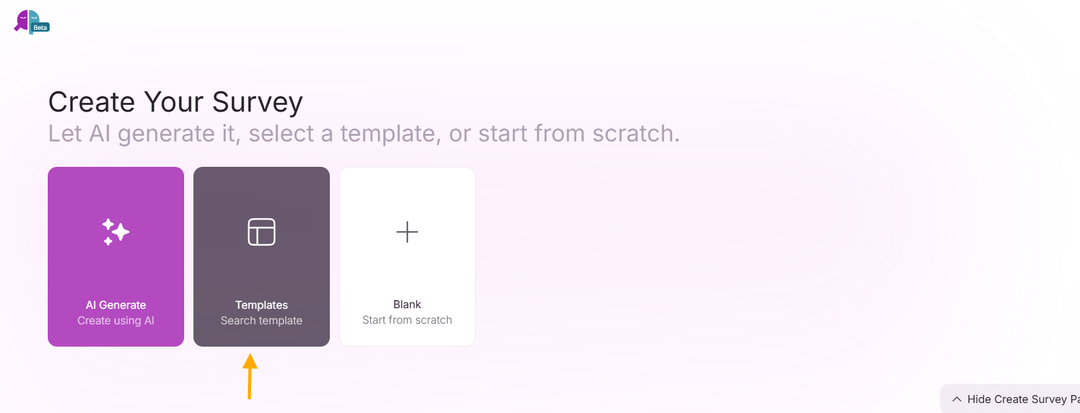
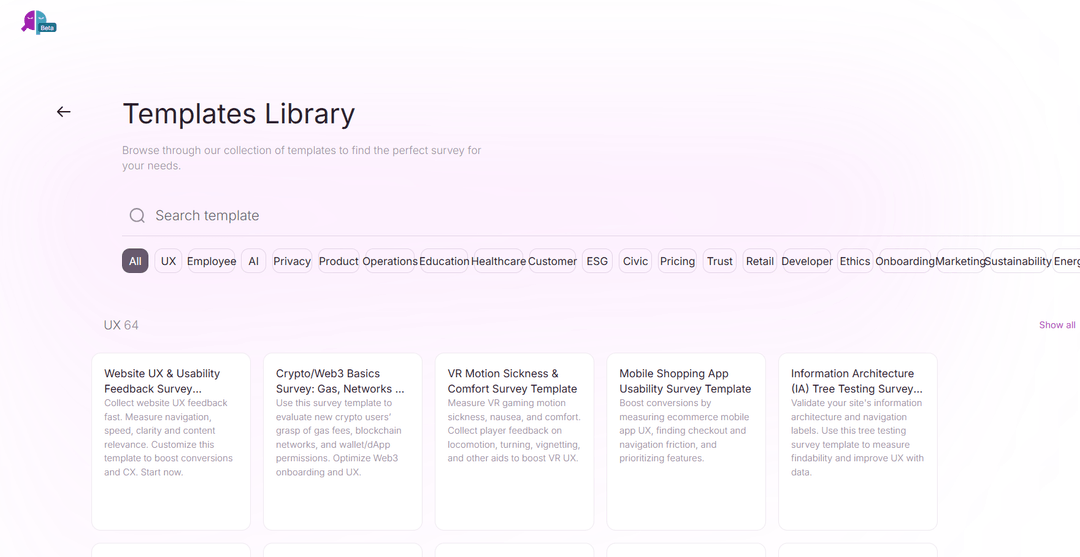
- Preview template flowPreview the survey flow, the question count, the AI interviews, and the available languages before using it.
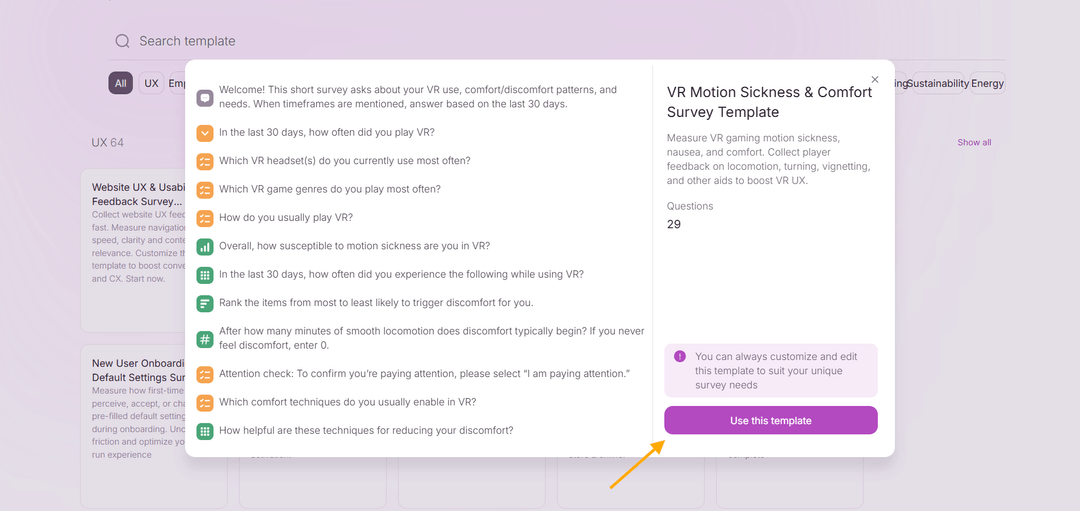
- CustomizeEdit text, add or remove questions, tweak branching rules, and change the AI personality to fit your brand.
- PilotRun a short pilot and refine labels and examples. Use synthetic testing to quickly validate the flow.
Browse templates to find a starting point that matches your research goal. Templates include recommended question types and suggested logic.
Customize any template: edit questions, add branching, or change the AI personality to fit your brand.
Tip: Start from a template, run a short pilot, and iterate on wording and follow-ups based on pilot responses.
Examples
- NPS template
- Usability test template (moderated style)