
Create your first survey
A short walkthrough to build and launch your first QuestionPunk survey.
This article walks new users through survey creation, question selection, previewing, and publication.
Steps
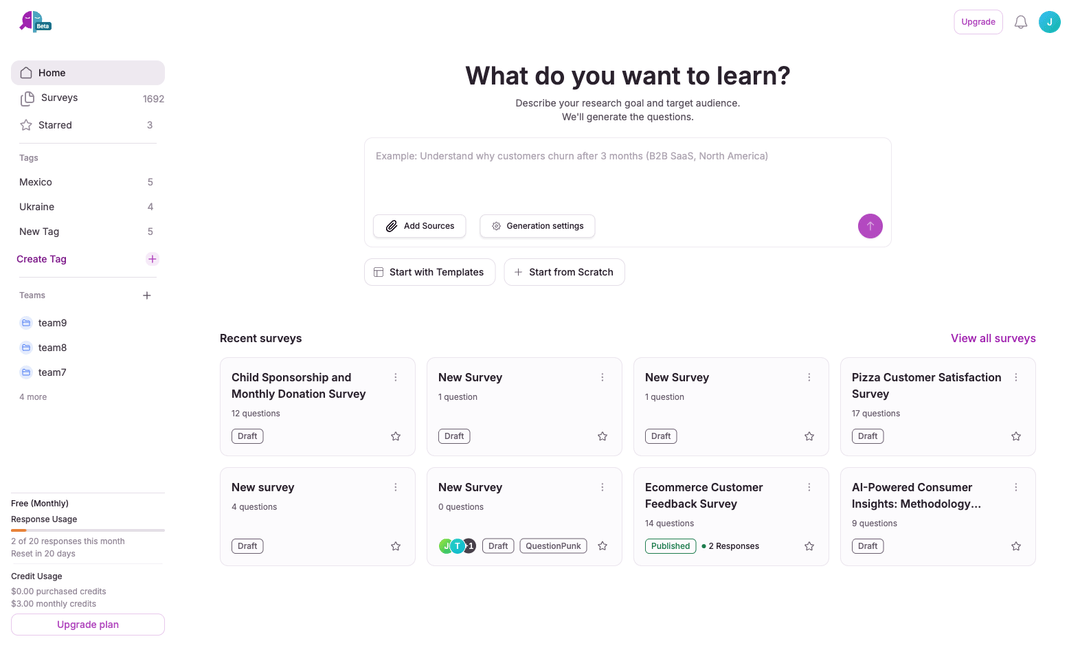
- Create a new surveyFrom the Start a study grid on Home, click the Survey tile and describe your research goal to generate one with AI, or click Templates or Blank study above the grid to start from a ready-made study or an empty editor. To rebuild a Qualtrics export, PDF, or Word questionnaire, click Survey and then Import an existing study below the description box.
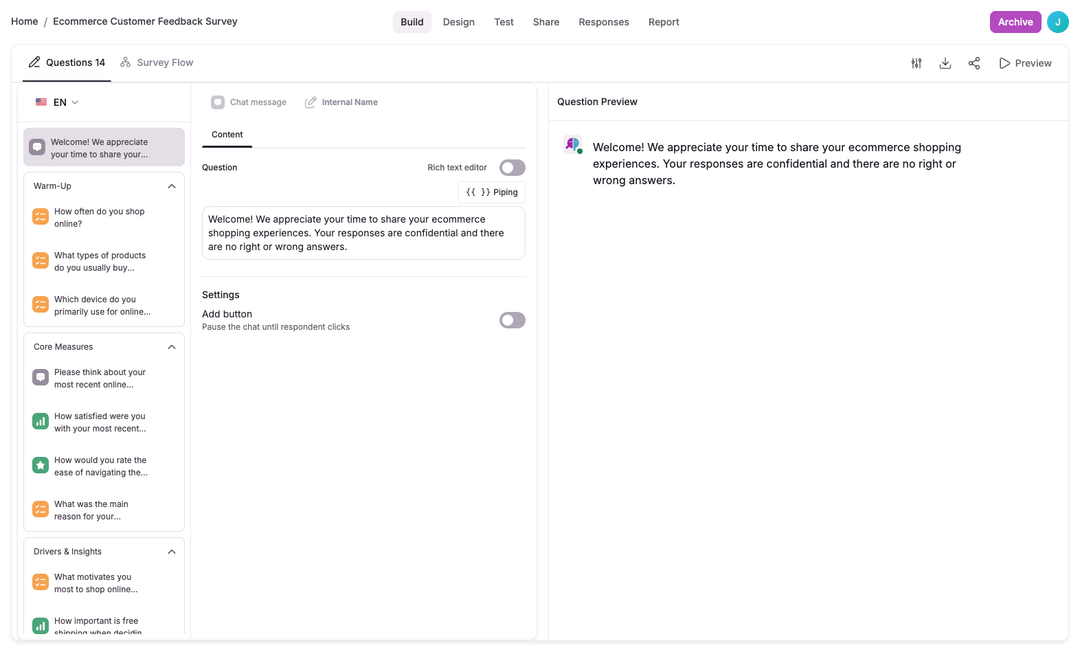
- Add questions and blocksUse the question builder to add blocks. For each block choose a type: open-ended, multiple choice, opinion scale, rating, ranking, dropdown, matrix, AI interview, and more. Add optional follow-ups and validation rules.
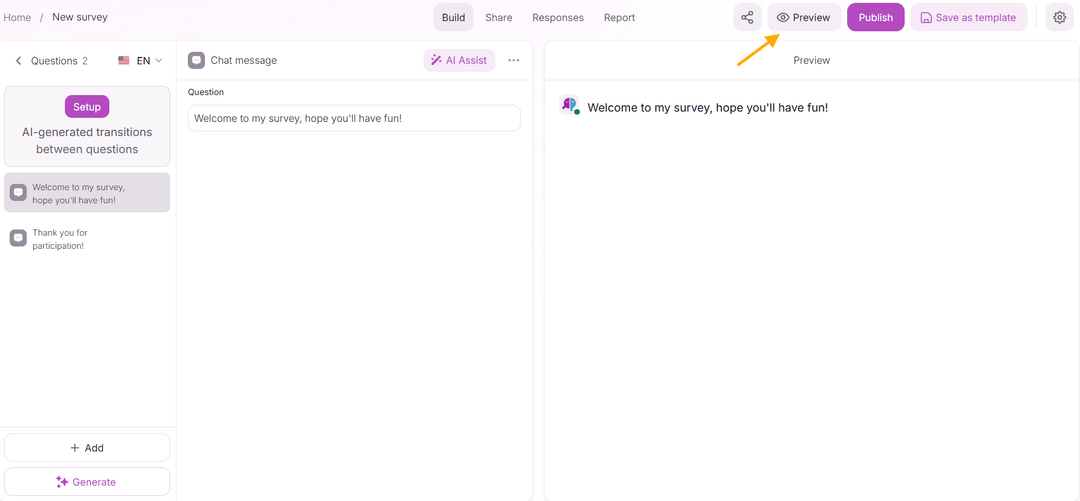
- Preview and testOpen the preview to simulate the respondent experience. Validate branching and follow-ups. Run a short pilot (5-20 respondents) or use synthetic testing to pressure-test your flow before going live.

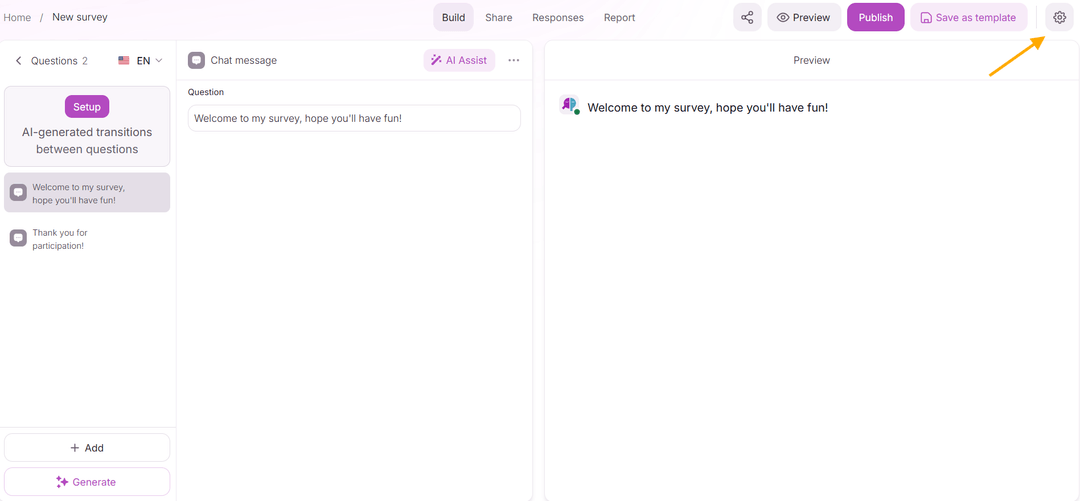
- Configure settingsSurvey settings are organized into tabs: General (title, description, languages), Team (assign to a team), Display & Branding (progress bar, branding), Completion & Closed (redirect URL, closed message, nav buttons), Availability & Limits (response limit, scheduling, quotas, AI budget cap), Privacy & Access (Minimize IP and location data, cookie consent, browser restrictions, multiple submissions, session resumption), and Integrations (panel settings, Google Sheets, tracking pixels).
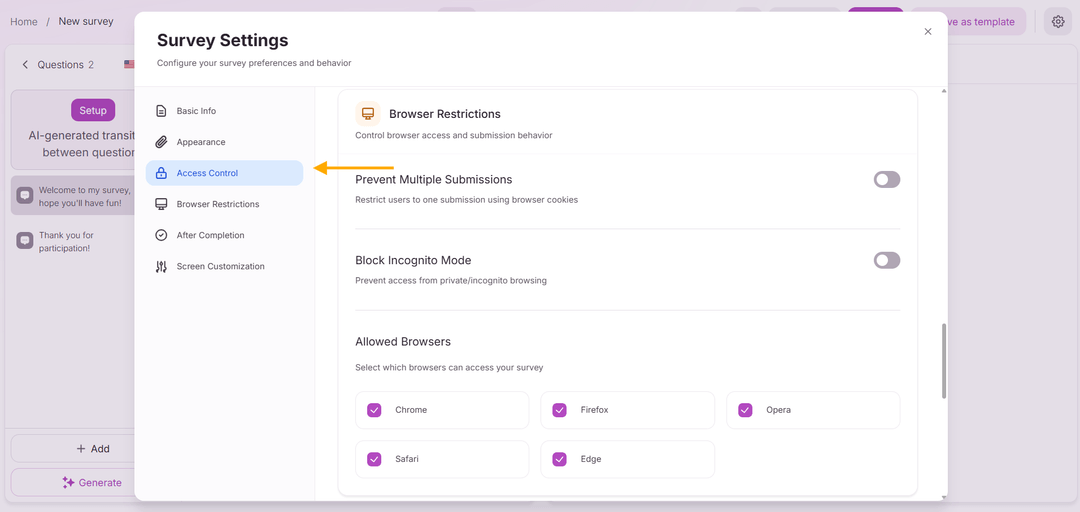
- Launch and monitorPublish the survey and distribute it using the available distribution options. Monitor responses in real time from the Results tab.
Start by picking a method from the Start a study grid on Home: Survey, Voice study, Quiz, Usability test, Concept test, AI focus group, or Diary study. Describe your research goal to generate a draft with AI, or click Templates or Blank study above the grid to start from a ready-made study or an empty editor.
Add question blocks and pick types (open-ended, multiple choice, scale, AI interview, and more). Use the preview to confirm the conversation flow.
Set targeting parameters and QA checks before launching. Use a small pilot or synthetic respondents to validate flow and timing.
Examples
- A 5-question customer satisfaction mini-survey that uses a rating scale and one open-ended follow-up.
- An employee pulse check with conditional branching based on department.