메시지
모든 템플릿Developer & Engineering
Async Design Sprint (Google Ventures Method)
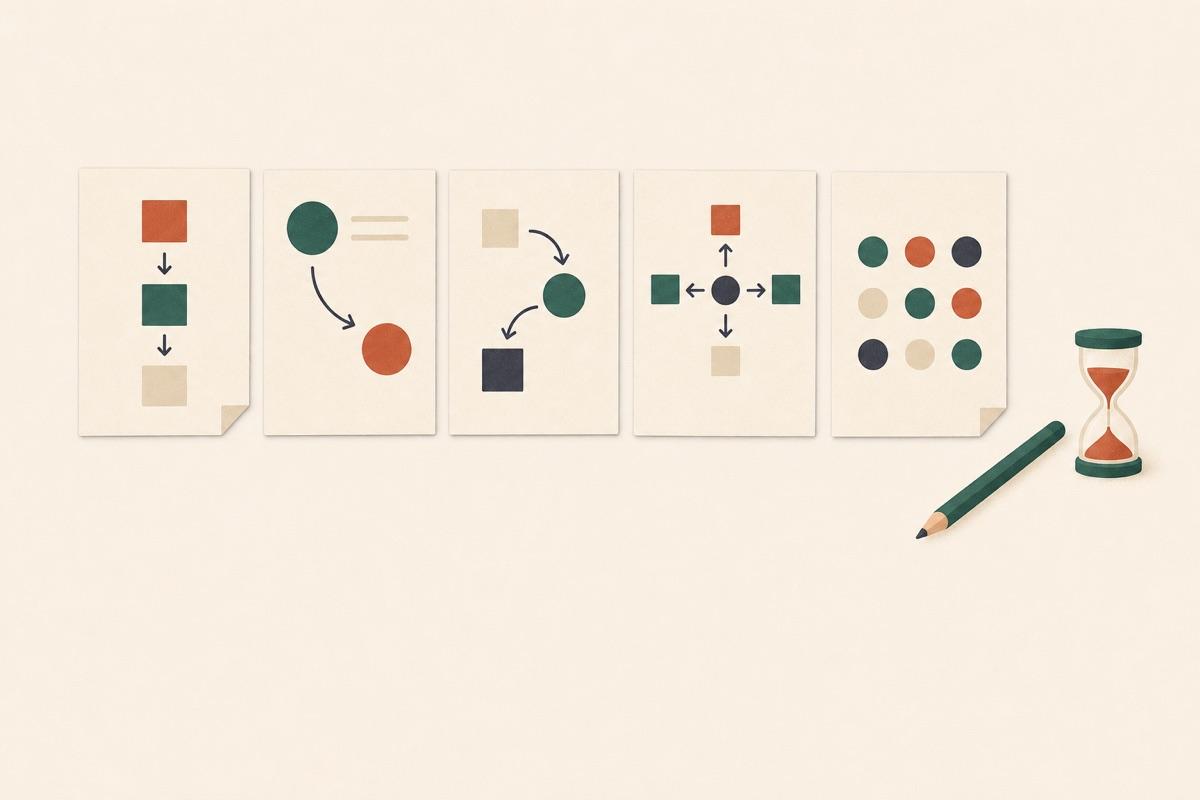
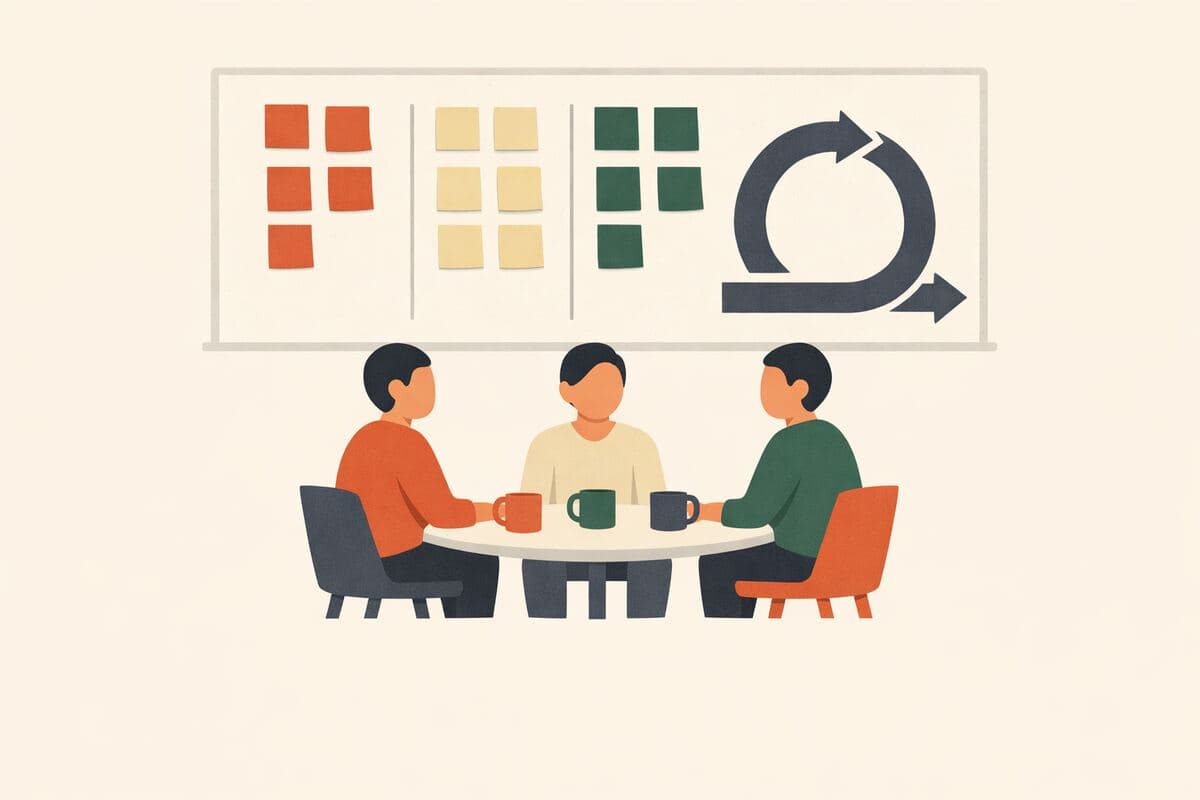
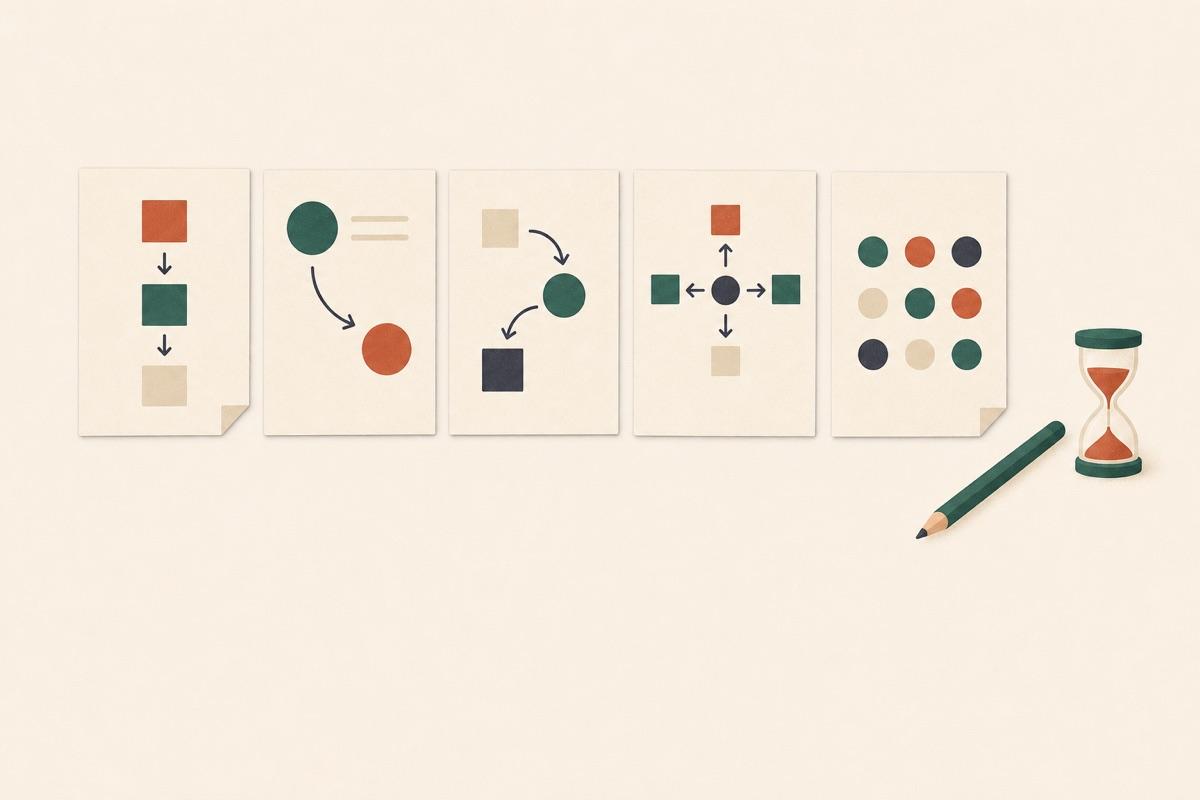
Run the five-day Google Ventures design sprint without a week of meetings. Pick a start day, and each morning the team gets that day's step: map the problem, sketch solutions on paper, vote on each other's sketches with a heat map, plan the prototype, then record what five customers did. The Decider casts the supervote, and the results page turns it all into a sprint brief.
가입 없이 체험 · 무료 요금제도 응답 무제한
실시간 미리보기
Async Design Sprint (Google Ventures Method)
Welcome to the sprint. This week we'll go from a big problem to a tested prototype, one step a day, on your own time. Today we agree on the goal and map the problem. Answering takes about fifteen minutes; take longer on the map if you need it.
Powered by QuestionPunk
기본 테마. 색상과 글꼴은 자유롭게 바꿀 수 있습니다.
샘플 질문
템플릿에 포함된 내용을 미리 확인해 보세요. 모든 질문은 설문 공개 전에 자유롭게 수정할 수 있습니다.
질문 21개 · 5일 · 매일 짧은 설문 하나
1일차
Q01
객관식필수
What's your role this week?
- Decider
- Facilitator
- Expert
- Team member
Q02
장문형필수
Long-term goal: imagine it's two years from now and this project was a big success. What happened? Be optimistic.
Q03
단문형필수
Sprint questions: what could stop us from getting there? Turn each worry into a question that starts with "Can we…?", for example "Can we get people to trust us with their data?"
Q04
질문
Ask the experts: if you know this problem well (customers, sales, support, the technology), record up to three minutes on what the rest of the team should know.
Q05
장문형필수
Map: list the steps a customer takes, from first hearing about us to reaching the goal. One step per line.
Q06
단문형필수
How might we…? Write each opportunity you see as a note starting with "How might we", for example "How might we show the price before sign-up?"
Q07
장문형필수
Target: which customer, and which step on the map, should this sprint focus on?
메시지
That's day 1 done. Tomorrow you'll sketch solutions on paper, so keep a pen and a few sheets handy.
2일차
메시지
Today everyone sketches alone, on paper. It doesn't need to be pretty: words and boxes are fine. Sketching takes about forty minutes; answering here takes about five. Your solution sketch is shown to the team without your name; only the facilitator sees who drew it.
Q01
단문형필수
Lightning demos: name a product (any industry) that solves a similar problem well, and the one idea worth borrowing from it.
Q02
질문
Crazy 8s: fold a sheet into eight panels and sketch eight variations of your best idea, one minute each. Upload a photo.
Q03
질문필수
Solution sketch: on one sheet, draw three panels showing what the customer sees and does, step by step. It should explain itself without you there. Upload a photo.
Q04
단문형필수
Give your solution sketch a short, catchy title.
메시지
Thanks! Tomorrow you'll see everyone's sketches and vote.
3일차
메시지
Today we pick the solution to prototype. Look at every sketch, drop dots on the parts you like, leave a note on anything unclear, then pick your favorite. About fifteen minutes.
Q01
객관식필수
Are you the Decider for this sprint?
- Yes
- No
Q02
질문필수
Heat map and straw poll: tap to drop a dot on every part of a sketch you like, add a note where something is unclear, then pick the one sketch you'd prototype.
Q03
질문
Decider only: pick the sketch we'll prototype tomorrow. Everyone else, skip this one.
Q04
장문형필수
Storyboard: in six to ten steps, what will the customer see and do in the prototype, starting from where they'd first meet it?
메시지
Decision made. Tomorrow we build a prototype that's just real enough to test.
4일차
메시지
Today we build a realistic-looking prototype of the storyboard. It only needs to work for the test. Answering takes about 5 minutes.
Q01
객관식필수
Which part of the prototype are you taking on?
- Maker: builds the screens or pages
- Stitcher: joins the pieces together
- Writer: writes the real text
- Asset collector: finds images, icons and content
- Interviewer: prepares and runs the customer interviews
Q02
단문형
Link to the prototype or your part of it (Figma, Keynote, a web page), if you have one.
Q03
장문형
Interviewers: write the questions you'll ask, one for each sprint question from day 1.
메시지
Thanks! Tomorrow five customers try the prototype. Book them with a usability test or interview survey and share the link with the team.
5일차
메시지
Today five customers try the prototype. Watch the sessions, then record what you saw. About 10 minutes after the last session.
Q01
매트릭스필수
How did each customer react to the prototype?
5개 행 × 4개 열
- Customer 1
- Customer 2
- Customer 3
- Customer 4
- Customer 5
열: Positive · Mixed · Negative · Didn't watch
Q02
장문형필수
Patterns: what did three or more customers do or say?
Q03
AI 인터뷰
응답자마다 자신의 답변을 바탕으로 한 후속 질문을 받습니다.
인터뷰 목표: Start from the sprint questions this respondent wrote on day 1, if you have them; otherwise ask which sprint question the customer sessions answered most clearly. For each, ask what the sessions showed: yes, no, or not clear yet, with a specific moment from a session as evidence. Anchor on the respondent's grid answers; if they rated a customer Negative, ask what that customer did right before things went wrong. End by asking what the team should do next week.
메시지
That's the sprint. Your answers go into the sprint brief: the goal, the winning sketch, and what the customers showed for each sprint question.
포함된 기능
AI 후속 질문
정형화된 설문이 놓치는 세부 내용을, 주관식 답변에 맞춰 AI가 심층 질문으로 끌어냅니다.
주의력 확인 장치
성의 없는 답변과 저품질 응답자를 걸러내는 내장 안전장치입니다.
AI가 작성한 문안
문구, 질문 순서, 분기 로직까지 AI가 연구 목표에 맞춰 작성합니다.
자동 리포트
응답이 모이면 주요 주제, 인용문, 이해하기 쉬운 요약이 자동으로 작성됩니다.
자주 묻는 질문
“Async Design Sprint (Google Ventures Method)” 템플릿에는 어떤 질문이 포함되어 있나요?
바로 사용할 수 있는 질문 21개가 포함되어 있으며, 처음 질문은 다음과 같습니다: “What's your role this week?” · “Long-term goal: imagine it's two years from now and this project was a big success. What happened? Be optimistic.” · “Sprint questions: what could stop us from getting there? Turn each worry into a question that starts with "Can we…?", fo…”. 전체 질문은 위에서 미리 볼 수 있고 모두 수정 가능합니다.
템플릿을 수정할 수 있나요?
네. 설문을 공개하기 전에 모든 질문, 답변 옵션, 순서를 자유롭게 수정할 수 있습니다. 질문을 추가·삭제하거나 AI 편집기에 연구 목표에 맞춘 재구성을 요청할 수도 있습니다.
이 템플릿은 무료인가요?
네. 편집기에서 바로 열어 수정을 시작할 수 있습니다. 체험에는 계정이 필요 없으며, 무료 플랜으로 설문을 공개할 수 있습니다.
설문을 공개할 준비가 되셨나요?
이 템플릿을 편집기에서 열어 보세요. 첫 응답자가 보기 전에 모든 부분을 원하는 대로 바꿀 수 있습니다.
다른 서비스와 비교
다른 설문 도구의 가장 유사한 템플릿을 검토했습니다. 그 도구들이 잘하는 점과, 이 템플릿이 한발 더 나아가는 지점을 정리했습니다.
이 템플릿을 선택하는 이유
- Five days, one short survey each morning: map, sketch, decide, prototype and test, so teammates answer on their own time
- Sketches are photos shown to teammates without names, and each teammate leaves heat-map dots and notes, a straw-poll pick and, for the Decider, a supervote
- The results show a sprint brief, and on Friday an AI interview asks each teammate what the customer sessions showed, free with no cap on responses, teams or question types
Miro
Official Remote 5-day Design SprintA board made by the authors of the Sprint book for remote design sprints, with one goal per day.
잘하는 점
- Made by Jake Knapp, John Zeratsky and Jackie Colburn for remote sprints
- One big goal per day: map, sketch, decide, prototype, test
아쉬운 점
- A facilitator guides participants through each day
- The page doesn't mention anonymous sketches or async work
Mural
Official design sprint templateA five-day board with Map, Sketch, Decide, Prototype and Test columns, built for remote teams.
잘하는 점
- Made with Jake Knapp and John Zeratsky for remote teams
- Links a remote design sprint video and The Remote Design Sprint Guide
아쉬운 점
- The page doesn't mention anonymous sketches, private voting or async work
Google Design Sprint Kit
Design Sprint KitGoogle's resource for planning and running a design sprint, with a five-phase framework and case studies.
잘하는 점
- Step-by-step tips for planning a sprint
- Links to sprint case studies
아쉬운 점
- The pages describe guidance and case studies, not a way to collect teammates' sketches or votes
관련 템플릿
비슷한 주제의 다른 설문을 만나 보세요.