메시지
모든 템플릿Product & UX
앱 알림 환경설정 및 제어 연구
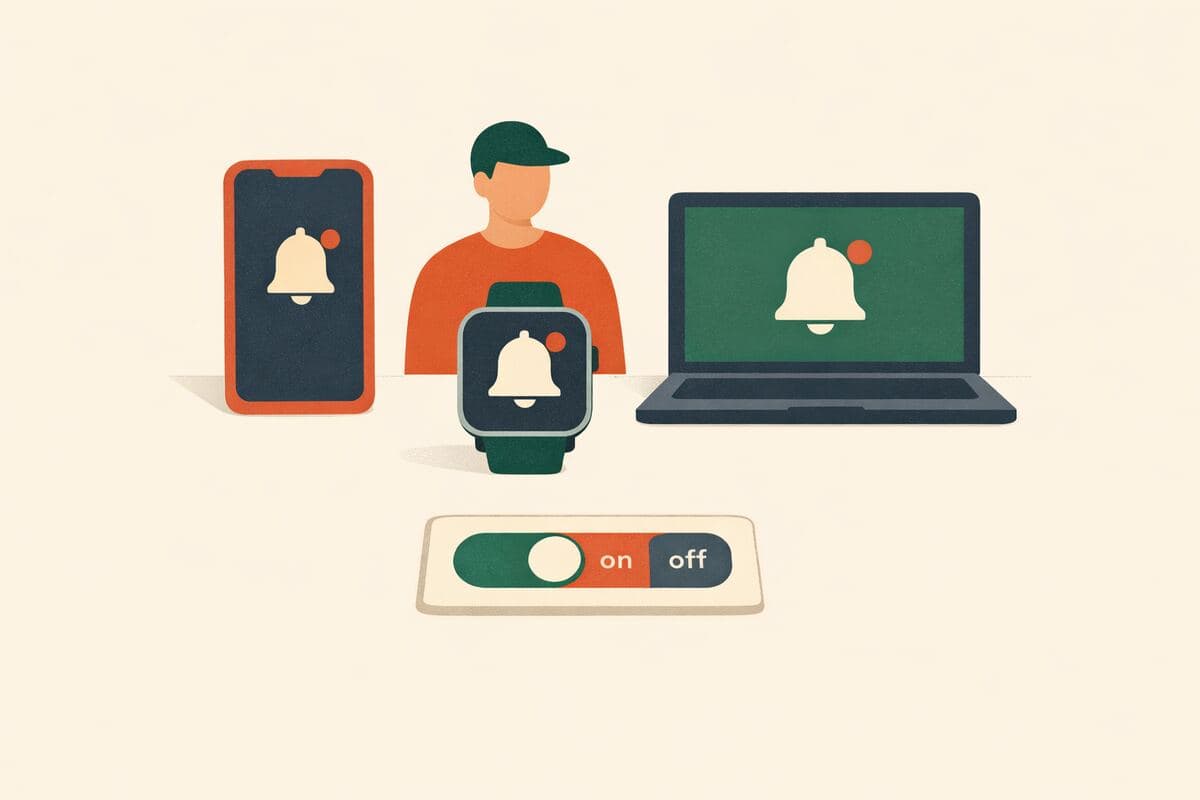
앱과 기기 전반에 걸친 알림 채널, 빈도, 세분화, 기본 설정, 제어 도구에 대한 사용자 선호를 수집합니다. 알림 전략을 최적화하고 수신 동의율을 높이며 알림으로 인한 이탈을 줄이려는 제품 팀을 위해 설계되었습니다.
가입 없이 체험 · 무료 요금제도 응답 무제한
실시간 미리보기
앱 알림 환경설정 및 제어 연구
앱 알림 환경설정에 관한 본 연구에 참여해 주셔서 감사합니다. 본 조사는 완료하는 데 약 12분이 소요됩니다. 참여는 전적으로 자발적이며, 언제든지 중단하실 수 있습니다. 정답이나 오답은 없으며, 저희는 오직 귀하의 솔직한 의견에 관심이 있습니다. 모든 응답은 기밀로 유지되고 익명 처리되며, 내부 제품 연구 목적으로 집계된 형태로만 보고됩니다.
Powered by QuestionPunk
기본 테마. 색상과 글꼴은 자유롭게 바꿀 수 있습니다.
샘플 질문
템플릿에 포함된 내용을 미리 확인해 보세요. 모든 질문은 설문 공개 전에 자유롭게 수정할 수 있습니다.
질문 24개 · 약 11분
Q01
객관식
지난 30일 동안, 어떤 종류의 기기에서 앱 알림을 받으셨습니까? 해당하는 것을 모두 선택해 주십시오.
- iOS 휴대폰 또는 태블릿
- Android 휴대폰 또는 태블릿
- Windows PC
- macOS
- 웹 브라우저(사이트 알림)
- 스마트워치 또는 웨어러블
- 기타(직접 입력)
Q02
드롭다운
지난 30일 동안, 대략 몇 개의 서로 다른 앱에 대해 알림 설정을 변경하셨습니까?
- 없음
- 1개
- 2~3개
- 4~5개
- 6~10개
- 10개 초과
Q03
드롭다운
지난 30일 동안, 앱 알림 설정을 얼마나 자주 조정하셨습니까?
- 전혀 없음
- 1회
- 2~3회
- 4~5회
- 6회 이상
Q04
객관식
일상적인 업데이트(예: 활동 요약, 상태 변경)의 경우, 어떤 전달 채널을 선호하십니까? 해당하는 것을 모두 선택해 주십시오.
- 모바일 푸시 알림
- 이메일
- SMS/문자 메시지
- 인앱 전용(푸시 없음)
- 데스크톱 알림
- 웨어러블 알림
- 기타(직접 입력)
Q05
의견 척도
알림에 대한 세밀한 제어(예: 카테고리, 기능, 발신자별)를 갖는 것이 귀하에게 얼마나 중요합니까?
척도: 1 – 7
최소:전혀 중요하지 않다최대:매우 중요하다
Q06
객관식
어떤 수준의 알림 제어 기능이 제공되기를 원하십니까? 해당하는 것을 모두 선택해 주십시오.
- 앱 전체에 대한 전역 켜기/끄기
- 넓은 카테고리별(예: 마케팅, 활동)
- 특정 기능 또는 이벤트 유형별
- 발신자 또는 대화별
- 기기별(휴대폰, 데스크톱, 워치)
- 시간대별(방해 금지 시간 또는 일정)
- 기타(직접 입력)
Q07
객관식
지난 30일 동안, 어떤 방해 금지 시간 또는 방해 차단 제어 기능을 사용하셨습니까? 해당하는 것을 모두 선택해 주십시오.
- 매일 방해 금지 시간 일정을 설정했음
- 주말 또는 맞춤 일정을 설정했음
- 즉석에서 방해 금지 모드를 사용했음
- 특정 스레드나 앱을 일시적으로 스누즈했음
- 방해 금지 시간이나 일정을 사용하지 않음
- 기타(직접 입력)
Q08
객관식
새 앱을 설치할 때, 어떤 기본 알림 방식을 선호하십니까?
- 내가 수신 동의할 때까지 모두 꺼짐
- 중요 알림과 다이렉트 메시지만 켜짐
- 추천 카테고리 켜짐(일반적인 선호 기준)
- 모두 켜짐
Q09
객관식
새 앱을 처음 사용하기 시작할 때, 앱이 알림 활성화를 어떻게 요청해야 한다고 생각하십니까?
- 앱을 처음 열 때 요청
- 관련된 작업을 할 때 요청(예: 메시지 보내기)
- 처음에는 무음으로 시작하고 사용 패턴에 따라 나중에 요청
- 간단한 알림 설정 마법사 표시
- 요청하지 않음 — 설정은 내가 직접 찾겠음
Q10
객관식
중요 또는 보안 알림(예: 로그인 경고, 결제 확인)의 경우, 앱을 처음 사용할 때 기본 동작은 어떠해야 합니까?
- 푸시 알림과 이메일 — 둘 다 기본 켜짐
- 푸시 알림만 — 기본 켜짐
- 이메일만 — 기본 켜짐
- 기본 꺼짐 — 내가 수신 동의
- 선호 없음
Q11
객관식
소셜 또는 활동 알림(예: 좋아요, 댓글, 팔로우)의 경우, 앱을 처음 사용할 때 기본 동작은 어떠해야 합니까?
- 푸시 알림 — 기본 켜짐
- 인앱 배지 또는 피드만 — 푸시 없음
- 그룹화된 일일 다이제스트
- 기본 꺼짐 — 내가 수신 동의
- 선호 없음
Q12
객관식
마케팅 또는 프로모션 알림(예: 할인, 신규 기능, 추천)의 경우, 앱을 처음 사용할 때 기본 동작은 어떠해야 합니까?
- 푸시 알림 — 기본 켜짐
- 이메일만 — 기본 켜짐
- 인앱 전용 — 푸시나 이메일 없음
- 기본 꺼짐 — 내가 수신 동의
- 선호 없음
Q13
객관식
우선순위가 낮은 업데이트(예: 팁, 추천, 주간 요약)의 경우, 어떤 기본 전달 방식을 선호하십니까?
- 실시간 푸시 알림
- 일일 또는 주간 다이제스트로 그룹화
- 인앱 배지 또는 알림 센터만
- 이메일 요약
- 기본적으로 이런 알림은 보내지 않음
Q14
순위 매기기
다음 알림 카테고리를 기본적으로 켜져 있어야 할 중요도가 높은 순서부터 낮은 순서로 순위를 매겨 주십시오(끌어서 정렬, 맨 위 = 가장 중요).
- 보안 또는 중요 경고
- 다이렉트 메시지 및 멘션
- 리마인더 및 캘린더
- 소셜/활동 업데이트
- 마케팅 또는 프로모션
- 추천 또는 팁
드래그하여 순위 지정
Q15
순위 매기기
다음 알림 제어 기능을 귀하에게 유용한 순서가 높은 것부터 낮은 것 순으로 순위를 매겨 주십시오(끌어서 정렬, 맨 위 = 가장 유용).
- 대화별 음소거
- 지정한 시간 동안 스누즈
- 방해 금지 시간 예약
- 키워드 또는 우선순위 필터
- 카테고리 토글
- 기기별 재정의
드래그하여 순위 지정
Q16
의견 척도
전반적으로, 귀하가 사용하는 앱 전반에서 이용 가능한 알림 제어 기능에 얼마나 만족하십니까?
척도: 1 – 7
최소:매우 불만족한다최대:매우 만족한다
Q17
의견 척도
현재 주로 사용하는 앱의 알림 제어 기능을 친구나 동료에게 추천하실 의향은 어느 정도입니까?
척도: 1 – 7
최소:전혀 그렇지 않다최대:매우 그렇다
Q18
AI 인터뷰
귀하의 이상적인 알림 경험에 대해 더 알고자 합니다. 귀하에게 완벽한 알림 시스템은 어떤 모습일까요?
Q19
장문형
본 조사에서 응답하신 내용을 바탕으로, 앱 알림 관리에 관해 추가로 나누고 싶은 생각이나 느낌을 공유해 주십시오.
Q20
드롭다운
귀하의 연령대는 어떻게 되십니까?
- 18~24세
- 25~34세
- 35~44세
- 45~54세
- 55~64세
- 65세 이상
- 답변하지 않음
Q21
객관식
귀하의 성별을 어떻게 표현하시겠습니까?
- 여성
- 남성
- 논바이너리
- 직접 기술하고 싶음
- 답변하지 않음
Q22
드롭다운
현재 어느 국가에 거주하고 계십니까?
- 미국
- 영국
- 캐나다
- 호주
- 독일
- 프랑스
- 인도
- 브라질
- 일본
- 멕시코
- 기타(직접 입력)
Q23
드롭다운
귀하가 완료한 최종 학력은 무엇입니까?
- 고등학교 미만
- 고등학교 졸업 또는 이에 준함
- 대학 중퇴(학위 없음)
- 전문학사 학위
- 학사 학위
- 석사 학위
- 박사 학위
- 전문 학위(예: JD, MD)
- 답변하지 않음
Q24
객관식
현재 귀하의 고용 상태는 무엇입니까?
- 정규직
- 시간제
- 자영업
- 학생
- 무직
- 은퇴
- 답변하지 않음
메시지
본 조사를 완료해 주셔서 감사합니다. 귀하의 피드백은 저희가 알림 제어 기능을 설계하는 데 직접적으로 반영됩니다. 귀하의 응답은 기밀로 유지되며 집계된 형태로만 보고됩니다.
포함된 기능
AI 후속 질문
정형화된 설문이 놓치는 세부 내용을, 주관식 답변에 맞춰 AI가 심층 질문으로 끌어냅니다.
주의력 확인 장치
성의 없는 답변과 저품질 응답자를 걸러내는 내장 안전장치입니다.
AI가 작성한 문안
문구, 질문 순서, 분기 로직까지 AI가 연구 목표에 맞춰 작성합니다.
자동 리포트
응답이 모이면 주요 주제, 인용문, 이해하기 쉬운 요약이 자동으로 작성됩니다.
이 템플릿을 선택하는 이유
이 템플릿의 설계 목적을 소개합니다. 다른 설문 도구에서는 직접 비교할 만한 템플릿을 찾지 못했습니다.
차별화 포인트
- Includes an AI follow-up interview question that lets respondents describe their ideal notification experience in their own words, with adaptive probing beyond fixed answer choices
- Covers the full decision surface product teams need: device/channel exposure, frequency of manual adjustments, granularity of control, and default opt-in stance for new apps
- Uses ranking and opinion-scale questions to prioritize notification categories and control features, plus satisfaction/NPS-style items tied to the respondent's current primary app
- Segments findings by demographics (age, gender, country, education, employment) so product teams can see how preferences differ across user groups, backed by an auto-generated report
자주 묻는 질문
“앱 알림 환경설정 및 제어 연구” 템플릿에는 어떤 질문이 포함되어 있나요?
바로 사용할 수 있는 질문 24개가 포함되어 있으며, 처음 질문은 다음과 같습니다: “지난 30일 동안, 어떤 종류의 기기에서 앱 알림을 받으셨습니까? 해당하는 것을 모두 선택해 주십시오.” · “지난 30일 동안, 대략 몇 개의 서로 다른 앱에 대해 알림 설정을 변경하셨습니까?” · “지난 30일 동안, 앱 알림 설정을 얼마나 자주 조정하셨습니까?”. 전체 질문은 위에서 미리 볼 수 있고 모두 수정 가능합니다.
이 설문을 완료하는 데 얼마나 걸리나요?
응답자는 보통 질문 24개를 약 11분 안에 완료합니다.
템플릿을 수정할 수 있나요?
네. 설문을 공개하기 전에 모든 질문, 답변 옵션, 순서를 자유롭게 수정할 수 있습니다. 질문을 추가·삭제하거나 AI 편집기에 연구 목표에 맞춘 재구성을 요청할 수도 있습니다.
이 템플릿은 무료인가요?
네. 편집기에서 바로 열어 수정을 시작할 수 있습니다. 체험에는 계정이 필요 없으며, 무료 플랜으로 설문을 공개할 수 있습니다.
설문을 공개할 준비가 되셨나요?
이 템플릿을 편집기에서 열어 보세요. 첫 응답자가 보기 전에 모든 부분을 원하는 대로 바꿀 수 있습니다.
관련 템플릿
비슷한 주제의 다른 설문을 만나 보세요.