Message
All templatesProduct & UX
Push Notification UX: Timing, Frequency & Control Preferences
Measures user satisfaction with push notification experiences across timing, frequency, perceived control, and content value. Designed for product and UX teams optimizing notification strategies for mobile or web applications.
No sign-up to try · Unlimited responses on the free plan
Live preview
Push Notification UX: Timing, Frequency & Control Preferences
Welcome! This survey asks about your recent experience with notifications from this product. It should take approximately 6–8 minutes to complete. Your participation is entirely voluntary, and you may stop at any time. There are no right or wrong answers—we are interested only in your honest opinions. All responses are confidential and will be reported in aggregate. By continuing, you agree to participate.
Powered by QuestionPunk
Default theme. Colors and fonts are yours to change.
Sample questions
A preview of what’s in the template. Every question is editable before you launch.
21 questions · ~10 min
Q01
Multiple Choice
How long have you been using this product?
- Less than 1 month
- 1–6 months
- 6–12 months
- 1–2 years
- More than 2 years
- Not sure
Q02
Multiple Choice
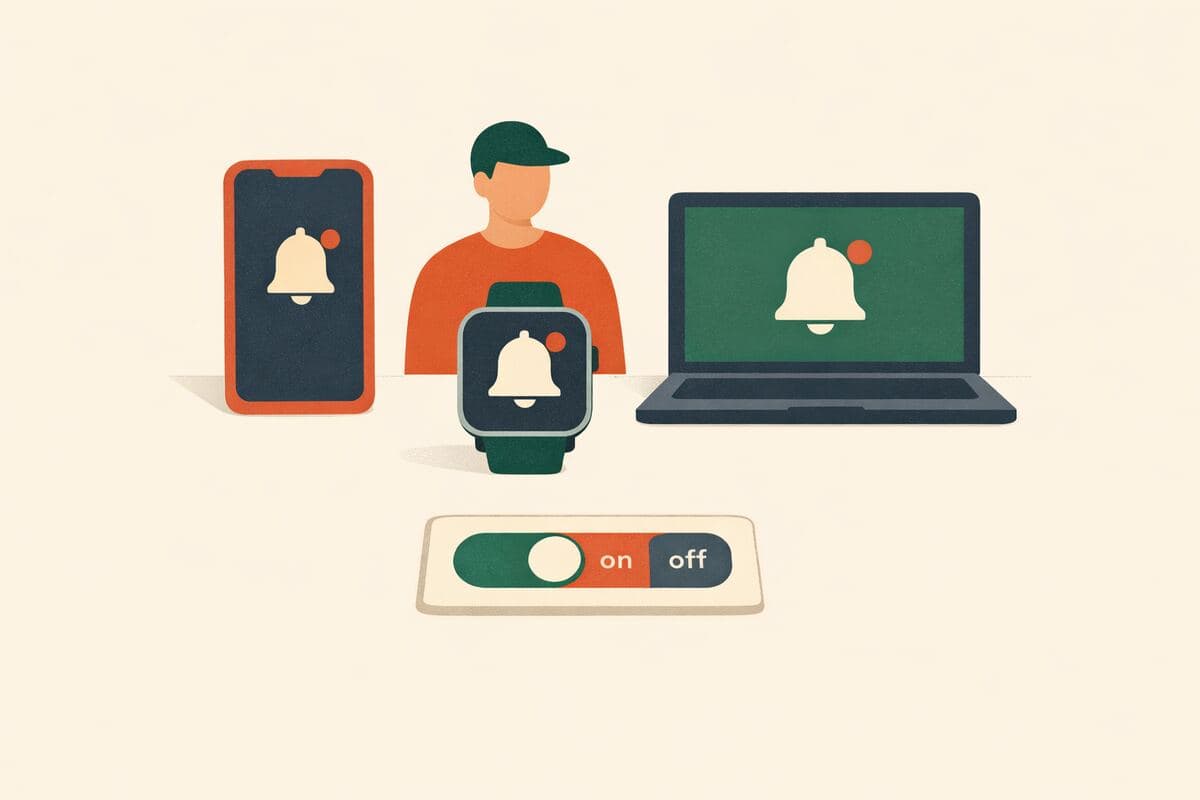
Which devices do you primarily use to access this product? Select all that apply.
- iOS phone/tablet
- Android phone/tablet
- Desktop/laptop
- Wearable/smartwatch
- Other
Q03
Multiple Choice
Which channels do you currently receive notifications from this product? Select all that apply.
- Mobile push
- SMS/Text
- In-app banners or badges
- Desktop push
- Browser (web) push
- Wearable/smartwatch
- In-product inbox/center
- None / I've turned off all notifications
Q04
Opinion Scale
Overall, how satisfied are you with the notification experience from this product?
Scale: 1 – 7
Min:Not at all satisfiedMax:Extremely satisfied
Q05
Opinion Scale
How likely are you to recommend this product's notification settings and experience to a colleague or friend?
Scale: 1 – 7
Min:Not at all likelyMax:Extremely likely
Q06
Opinion Scale
How valuable were the promotional or marketing notifications you received from this product in the past 14 days?
Scale: 1 – 7
Min:Not at all valuableMax:Extremely valuable
Q07
Opinion Scale
How valuable were the transactional notifications (e.g., order updates, account alerts) you received in the past 14 days?
Scale: 1 – 7
Min:Not at all valuableMax:Extremely valuable
Q08
Opinion Scale
How valuable were the social or community notifications (e.g., messages, mentions, activity updates) you received in the past 14 days?
Scale: 1 – 7
Min:Not at all valuableMax:Extremely valuable
Q09
Opinion Scale
How clear and easy to understand are the titles or preview text of notifications you receive from this product?
Scale: 1 – 7
Min:Not at all clearMax:Extremely clear
Q10
Opinion Scale
Thinking about the past 14 days, how would you describe the overall frequency of notifications from this product?
Scale: 1 – 7
Min:Far too fewMax:Far too many
Q11
Dropdown
What is the maximum number of non-urgent notifications per day you would prefer from this product?
- 1
- 2–3
- 4–5
- 6–10
- 11–15
- 16–20
- More than 20
- No limit
Q12
Multiple Choice
During which time windows are non-urgent notifications acceptable to you? Select all that apply.
- 7–9 am
- 9 am–12 pm
- 12–2 pm
- 2–5 pm
- 5–8 pm
- 8–10 pm
- Weekends (daytime)
- Overnight (10 pm–7 am)
Q13
Multiple Choice
If you were to set quiet hours (Do Not Disturb) for notifications, which window would fit best?
- 10 pm–7 am
- 11 pm–6 am
- 12 am–8 am
- Custom schedule
- I don't use quiet hours
Q14
Opinion Scale
In the past 14 days, how much control did you feel you had over the notifications you received from this product?
Scale: 1 – 7
Min:No control at allMax:Complete control
Q15
Ranking
Rank the following notification control options by importance to you (1 = most important).
- Per-topic on/off toggles
- Per-channel mute (email, push, SMS)
- Frequency cap (max per day)
- Time windows / quiet hours
- Snooze for a set period
- Priority levels (only high/critical)
Drag to rank
Q16
Multiple Choice
Should urgent or critical alerts be allowed to override your quiet hours / Do Not Disturb settings?
- Yes, always
- Yes, but only for specific categories I choose
- No, never
Q17
Ranking
Rank the following notification qualities by how important they are to you (1 = most important).
- Relevance (matches my interests/actions)
- Timeliness (sent at the right moment)
- Clarity (concise, understandable)
- Actionability (clear next step)
- Non-intrusiveness (respects my time)
- Reliability (accurate, no false alarms)
Drag to rank
Q18
Long Text
Based on your responses in this survey, what single change would most improve the notification experience for you?
Q19
AI Interview
We'd like to understand your notification preferences a bit more. An AI moderator will ask you a couple of brief follow-up questions based on your earlier answers.
Q20
Dropdown
What is your age?
- Under 18
- 18–24
- 25–34
- 35–44
- 45–54
- 55–64
- 65+
- Prefer not to say
Q21
Multiple Choice
Which region are you located in?
- Africa
- Asia
- Europe
- North America
- Oceania
- South America
- Prefer not to say
Message
Thank you for sharing your feedback! Your responses will help us improve the notification experience. You're all set.
What’s included
AI follow-ups
Adaptive probes on open-ended answers that pull out detail a static form would miss.
Attention checks
Built-in safeguards against rushed answers and low-quality respondents.
AI-drafted copy
Wording, ordering, and branching written by the AI — tuned to your research goal.
Auto report
Themes, quotes, and a plain-English summary write themselves once responses come in.
How it compares
We reviewed the closest templates from other survey tools. Here’s what they do well — and where this template goes further.
Why this template
- Purpose-built for push notification UX, not generic satisfaction: dedicated items on channel usage, timing windows, quiet-hours/DND override rules, and preferred max daily frequency.
- Separately rates the value of promotional, transactional, and social/community notifications, plus clarity of titles/preview text, so teams can see which notification types are actually earning their keep.
- Includes two ranking exercises (control options and notification qualities) and an open-text question asking respondents for the single change that would most improve their experience.
- Adds an AI follow-up interview that adaptively probes each respondent's stated preferences in their own words, something a static question list cannot do, with all prompts fully visible and results rolled into an auto-generated report.
QuestionPro
Product Satisfaction Survey Questions + Sample TemplateThis is a general product satisfaction guide with a sample question list rather than a notification-specific instrument, so it lacks any items on timing, frequency caps, quiet hours, or notification type value. It's useful as a broad starting point but would need substantial custom-building to address push notification UX specifically.
What it does well
- Backed by an established survey platform with advanced logic and question-type variety
- Article format offers sample question wording researchers can adapt
Where it falls short
- No notification-specific questions (timing windows, quiet hours, per-channel value ratings) built in
- Static question format with no adaptive AI follow-up or voice interview option
- No published methodology for how question quality or wording was validated
SurveyMonkey
Product Satisfaction Survey TemplateA general-purpose, fielding-ready product satisfaction template rather than one designed around notification behavior. It can capture broad satisfaction and NPS-style ratings but has no built-in structure for notification timing, frequency preferences, or control perception.
What it does well
- Ready-to-send template on a widely used, high-distribution survey platform
- Established reporting dashboards for quantitative analysis
Where it falls short
- No questions targeting notification timing, frequency limits, or quiet-hours preferences
- Fixed-question format with no adaptive AI or voice-based interview follow-up
- No per-response automated quality scoring or transparent prompt methodology
SurveySparrow
Product Satisfaction Survey TemplateA conversational-style, general product satisfaction template rather than a notification-specific survey. It may cover overall satisfaction well but offers nothing on notification channel mix, control ranking, or override rules for urgent alerts.
What it does well
- Chat-style conversational survey format that can feel more engaging than plain forms
- Template geared toward marketing/product satisfaction use cases
Where it falls short
- No dedicated notification timing/frequency/control question set
- No adaptive AI-driven follow-up questioning or voice interview capability
- No ranking exercises or automated quality scoring for open responses
Frequently asked questions
What questions are in the “Push Notification UX: Timing, Frequency & Control Preferences” template?
The template includes 21 ready-to-use questions, starting with: “How long have you been using this product?” · “Which devices do you primarily use to access this product? Select all that apply.” · “Which channels do you currently receive notifications from this product? Select all that apply.”. The full set is previewed above, and every question is editable.
How long does this survey take to complete?
Respondents typically finish the 21 questions in about 10 minutes.
Can I customize this template?
Yes — every question, answer option, and the ordering is editable before you launch. You can add or remove questions, or ask the AI editor to rework the survey around your research goal.
Is this template free to use?
Yes. Open it in the editor and start customizing right away — no account required to try it, and the free plan covers launching your survey.
Ready to launch?
Open this template in the editor. Every part is yours to change before the first respondent sees it.
Related templates
More studies on similar topics.