Message
All templatesDeveloper & Engineering
Async Design Sprint (Google Ventures Method)
Run the Google Ventures 5-day design sprint as a short survey a day. Teammates sketch on paper, vote on each other’s sketches with dots, and the Decider picks.
No sign-up to try · Unlimited responses on the free plan
Live preview
Async Design Sprint (Google Ventures Method)
Welcome to the sprint. This week we'll go from a big problem to a tested prototype, one step a day, on your own time. Today we agree on the goal and map the problem. Answering takes about fifteen minutes; take longer on the map if you need it.
Powered by QuestionPunk
Default theme. Colors and fonts are yours to change.
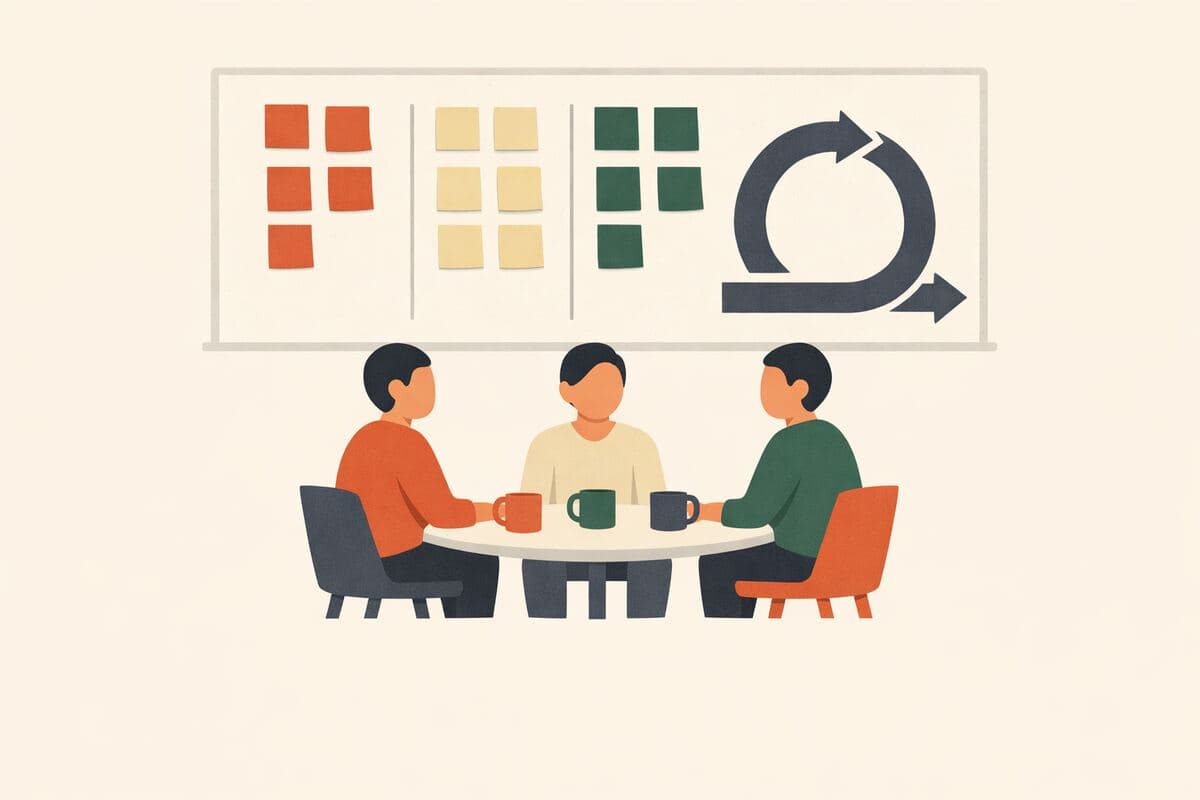
Run each sprint day as a short survey the team answers alone
Sign in and choose Start with this template. You get a diary study with five daily surveys: Map, Sketch, Decide, Prototype and Test. Set a Start date and each day opens at 9:00 in the study’s time zone. Weekends count, so start on a Monday to finish on Friday, or leave the date empty and open each day yourself with Open on the study page. Share the day 1 link: each teammate who finishes day 1 is enrolled and gets a personal link for the rest of the week.
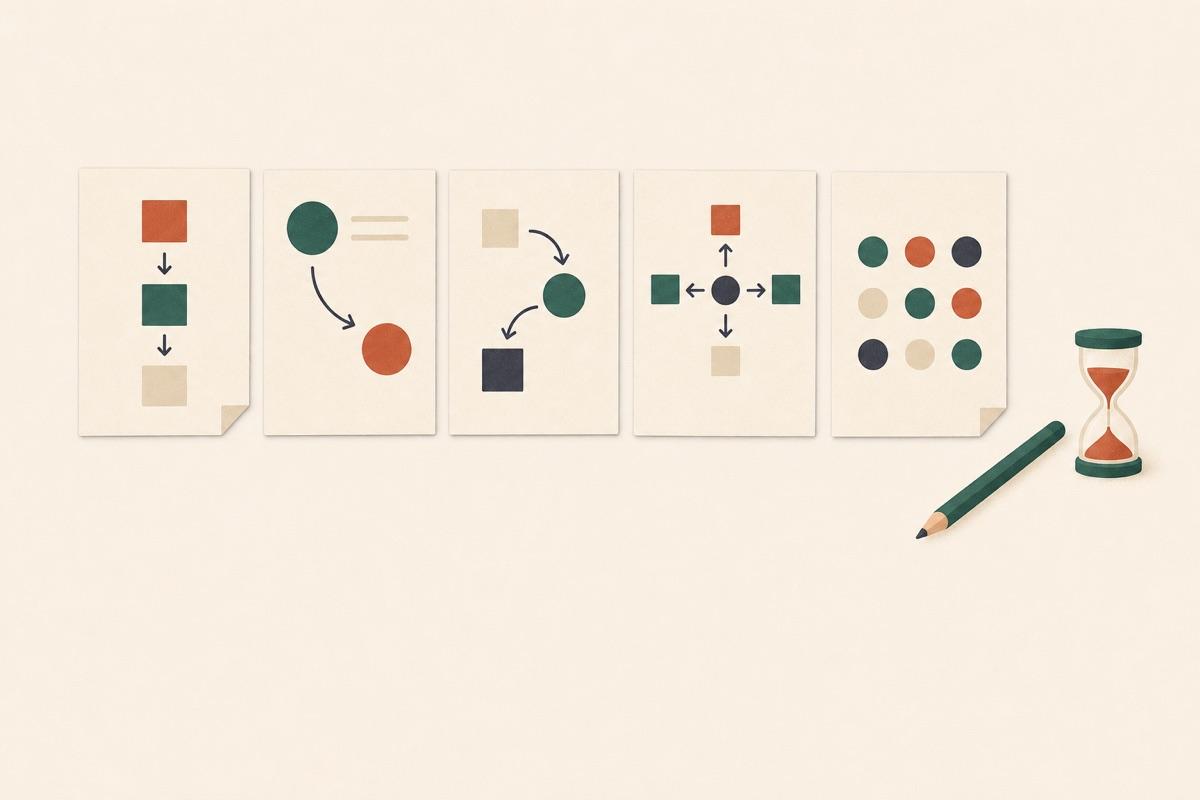
Day 1 collects each person’s role, the long-term goal, up to five “Can we…?” sprint questions, the customer map and up to eight how-might-we notes, and the Decider names the target. On day 2 everyone sketches on paper and uploads a photo of a three-panel solution sketch. On day 3 each teammate sees the others’ sketches without names. They drop dots on the parts they like, note what’s unclear and pick one, and the Decider makes the final pick in a separate question. The mobile app can’t show the sketches, so teammates open day 3 in a browser.
Day 4 splits the prototype work by role and collects the prototype link. On day 5 the team watches five customer sessions, which you run separately with a usability test or interview survey, and rates how each customer reacted. An AI follow-up interview then asks each teammate what the sessions showed for each sprint question. The study page then puts the week together in a Sprint brief.
Highlights of the Sprint brief
- The long-term goal each person wrote.
- Sprint questions and how-might-we notes, ranked by how many people wrote each one, with near-duplicates merged.
- The sketches the team voted for, with their straw-poll picks, beside the Decider’s pick.
- The customer reactions grid from test day.
- What the test showed: choose Ask AI for verdicts for a yes, no or not clear on the eight most-written sprint questions, quoted word for word from the test-day notes. It uses AI credits.
Sample questions
A preview of what’s in the template. Every question is editable before you launch.
21 questions · 5 days · one short survey each
Day 1: Map
Q01
Multiple ChoiceRequired
What's your role this week?
- Decider
- Facilitator
- Expert
- Team member
Q02
Long TextRequired
Long-term goal: imagine it's two years from now and this project was a big success. What happened? Be optimistic.
Q03
Short TextRequired
Sprint questions: what could stop us from getting there? Turn each worry into a question that starts with "Can we…?", for example "Can we get people to trust us with their data?"
Q04
Video record
Ask the experts: if you know this problem well (customers, sales, support, the technology), record up to three minutes on what the rest of the team should know.
Q05
Long TextRequired
Map: list the steps a customer takes, from first hearing about us to reaching the goal. One step per line.
Q06
Short TextRequired
How might we…? Write each opportunity you see as a note starting with "How might we", for example "How might we show the price before sign-up?"
Q07
Long TextRequired
Target: which customer, and which step on the map, should this sprint focus on?
Message
That's day 1 done. Tomorrow you'll sketch solutions on paper, so keep a pen and a few sheets handy.
Day 2: Sketch
Message
Today everyone sketches alone, on paper. It doesn't need to be pretty: words and boxes are fine. Sketching takes about forty minutes; answering here takes about five. Your solution sketch is shown to the team without your name; only the facilitator sees who drew it.
Q01
Short TextRequired
Lightning demos: name a product (any industry) that solves a similar problem well, and the one idea worth borrowing from it.
Q02
Photo response
Crazy 8s: fold a sheet into eight panels and sketch eight variations of your best idea, one minute each. Upload a photo.
Q03
Photo responseRequired
Solution sketch: on one sheet, draw three panels showing what the customer sees and does, step by step. It should explain itself without you there. Upload a photo.
Q04
Short TextRequired
Give your solution sketch a short, catchy title.
Message
Thanks! Tomorrow you'll see everyone's sketches and vote.
Day 3: Decide
Message
Today we pick the solution to prototype. Look at every sketch, drop dots on the parts you like, leave a note on anything unclear, then pick your favorite. About fifteen minutes.
Q01
Multiple ChoiceRequired
Are you the Decider for this sprint?
- Yes
- No
Q02
DesignRequired
Heat map and straw poll: tap to drop a dot on every part of a sketch you like, add a note where something is unclear, then pick the one sketch you'd prototype.
Q03
Design
Decider only: pick the sketch we'll prototype tomorrow. Everyone else, skip this one.
Q04
Long TextRequired
Storyboard: in six to ten steps, what will the customer see and do in the prototype, starting from where they'd first meet it?
Message
Decision made. Tomorrow we build a prototype that's just real enough to test.
Day 4: Prototype
Message
Today we build a realistic-looking prototype of the storyboard. It only needs to work for the test. Answering takes about 5 minutes.
Q01
Multiple ChoiceRequired
Which part of the prototype are you taking on?
- Maker: builds the screens or pages
- Stitcher: joins the pieces together
- Writer: writes the real text
- Asset collector: finds images, icons and content
- Interviewer: prepares and runs the customer interviews
Q02
Short Text
Link to the prototype or your part of it (Figma, Keynote, a web page), if you have one.
Q03
Long Text
Interviewers: write the questions you'll ask, one for each sprint question from day 1.
Message
Thanks! Tomorrow five customers try the prototype. Book them with a usability test or interview survey and share the link with the team.
Day 5: Test
Message
Today five customers try the prototype. Watch the sessions, then record what you saw. About 10 minutes after the last session.
Q01
MatrixRequired
How did each customer react to the prototype?
5 rows × 4 columns
- Customer 1
- Customer 2
- Customer 3
- Customer 4
- Customer 5
Columns: Positive · Mixed · Negative · Didn't watch
Q02
Long TextRequired
Patterns: what did three or more customers do or say?
Q03
AI Interview
Each person gets follow-up questions written from their own answers.
Interview goal: Start from the sprint questions this respondent wrote on day 1, if you have them; otherwise ask which sprint question the customer sessions answered most clearly. For each, ask what the sessions showed: yes, no, or not clear yet, with a specific moment from a session as evidence. Anchor on the respondent's grid answers; if they rated a customer Negative, ask what that customer did right before things went wrong. End by asking what the team should do next week.
Message
That's the sprint. Your answers go into the sprint brief: the goal, the winning sketch, and what the customers showed for each sprint question.
What’s included
AI follow-ups
Adaptive probes on open-ended answers that pull out detail a static form would miss.
Attention checks
Built-in safeguards against rushed answers and low-quality respondents.
AI-drafted copy
Wording, ordering, and branching written by the AI — tuned to your research goal.
Auto report
Themes, quotes, and a plain-English summary write themselves once responses come in.
Frequently asked questions
How do teammates vote on sketches in an async design sprint?
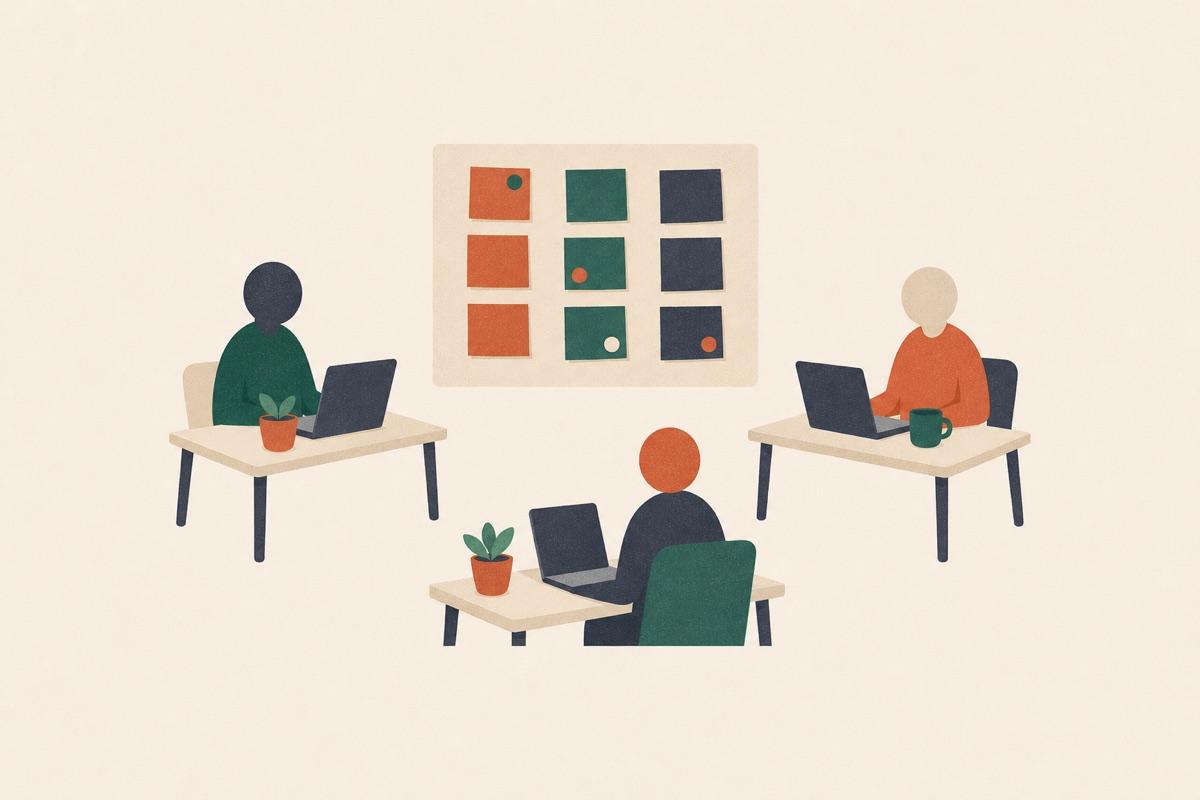
Each solution sketch is a photo shown to teammates without the sketcher’s name, and nobody sees their own; up to 12 sketches appear. Teammates tap to drop dots on the parts they like, add notes where something is unclear, and pick one sketch as their straw-poll vote. The Decider answers a second question that is the final pick. In results, each sketch shows its pick count and its dots as dots or a heat map.
How do teammates in different time zones get each sprint day?
With a Start date set, each day opens at 9:00 in the study’s time zone. That is one zone for the whole team, so pick the one that suits most people. Teammates use the personal link they got after day 1, and you can copy anyone’s link from the study page. Turn on Announce each check-in when it opens to email each teammate who left an email address, and notify those using the QuestionPunk app, when a day opens. Share the link in your team chat for anyone else. If the team can’t keep a daily pace, leave the Start date empty and open each day with Open.
What questions are in the “Async Design Sprint (Google Ventures Method)” template?
The template includes 21 ready-to-use questions, starting with: “What's your role this week?” · “Long-term goal: imagine it's two years from now and this project was a big success. What happened? Be optimistic.” · “Sprint questions: what could stop us from getting there? Turn each worry into a question that starts with "Can we…?", fo…”. The full set is previewed above, and every question is editable.
Can I customize this template?
Yes — every question, answer option, and the ordering is editable before you launch. You can add or remove questions, or ask the AI editor to rework the survey around your research goal.
Is this template free to use?
Yes. Open it in the editor and start customizing right away — no account required to try it, and the free plan covers launching your survey.
Ready to launch?
Open this template in the editor. Every part is yours to change before the first respondent sees it.
How it compares
We reviewed the closest templates from other survey tools. Here’s what they do well — and where this template goes further.
Why this template
- Five days, one short survey each morning: map, sketch, decide, prototype and test, so teammates answer on their own time
- Sketches are photos shown to teammates without names, and each teammate leaves heat-map dots and notes, a straw-poll pick and, for the Decider, a supervote
- The results show a sprint brief, and on Friday an AI interview asks each teammate what the customer sessions showed, free with no cap on responses, teams or question types
Miro
Official Remote 5-day Design SprintA board made by the authors of the Sprint book for remote design sprints, with one goal per day.
What it does well
- Made by Jake Knapp, John Zeratsky and Jackie Colburn for remote sprints
- One big goal per day: map, sketch, decide, prototype, test
Where it falls short
- A facilitator guides participants through each day
- The page doesn't mention anonymous sketches or async work
Mural
Official design sprint templateA five-day board with Map, Sketch, Decide, Prototype and Test columns, built for remote teams.
What it does well
- Made with Jake Knapp and John Zeratsky for remote teams
- Links a remote design sprint video and The Remote Design Sprint Guide
Where it falls short
- The page doesn't mention anonymous sketches, private voting or async work
Google Design Sprint Kit
Design Sprint KitGoogle's resource for planning and running a design sprint, with a five-phase framework and case studies.
What it does well
- Step-by-step tips for planning a sprint
- Links to sprint case studies
Where it falls short
- The pages describe guidance and case studies, not a way to collect teammates' sketches or votes
Related templates
More studies on similar topics.