메시지
모든 템플릿Product & UX
웹사이트 인터셉트: 과업 성공 및 마찰 설문
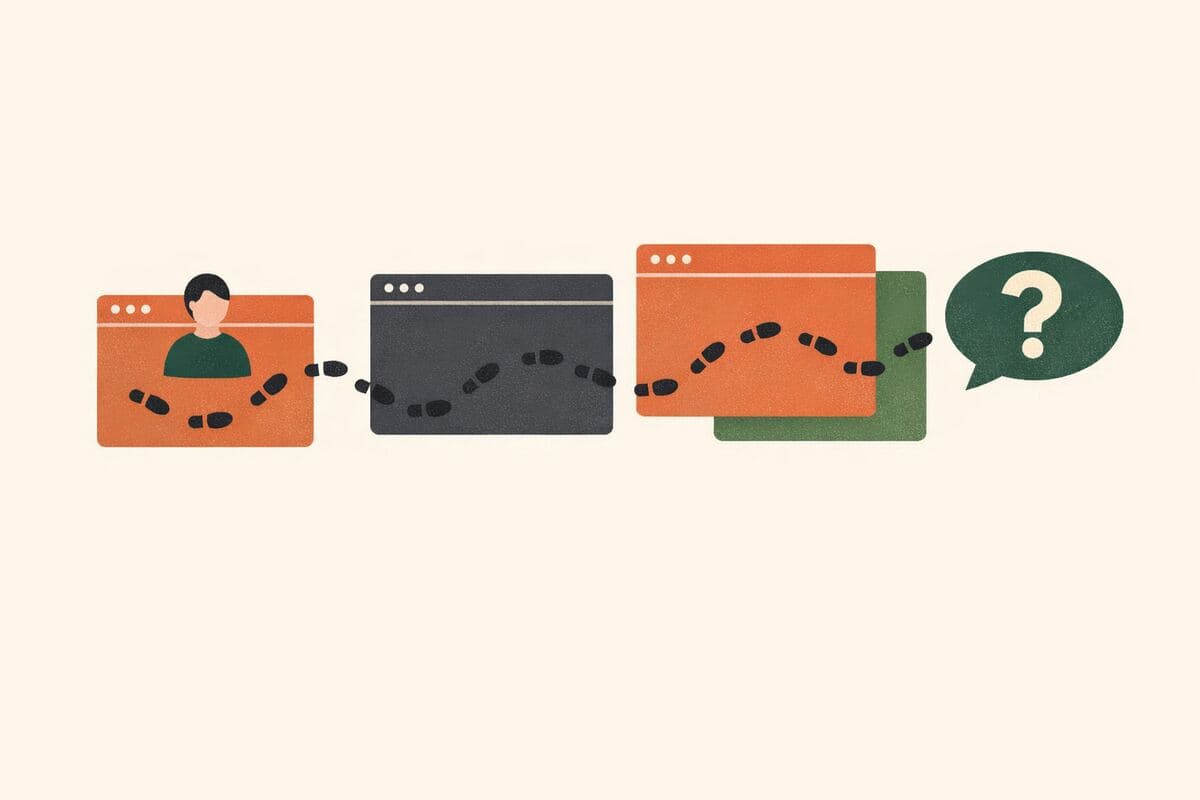
방문자가 왜 방문했는지, 과업을 완수했는지, 어디에서 마찰을 겪었는지를 포착하는 짧은 사이트 내 팝업 설문입니다 — AI 후속 인터뷰가 모호한 만족도 점수에 의존하는 대신 문제가 발생한 정확한 순간을 재구성합니다. 상시 사이트 피드백을 운영하는 UX 및 제품 팀을 위해 설계되었습니다.
가입 없이 체험 · 무료 요금제도 응답 무제한
실시간 미리보기
웹사이트 인터셉트: 과업 성공 및 마찰 설문
안녕하세요! 60초만 내주시겠습니까? 오늘 저희 웹사이트 방문이 어떠셨는지 알고 싶습니다 — 여러분의 답변은 잘 작동하지 않는 부분을 개선하는 데 도움이 됩니다. 응답은 완전히 기밀로 유지되며 익명으로 처리됩니다.
Powered by QuestionPunk
기본 테마. 색상과 글꼴은 자유롭게 바꿀 수 있습니다.
샘플 질문
템플릿에 포함된 내용을 미리 확인해 보세요. 모든 질문은 설문 공개 전에 자유롭게 수정할 수 있습니다.
질문 10개 · 약 7분
Q01
객관식필수
오늘 저희 웹사이트를 방문하신 이유는 무엇입니까?
- 제품 또는 서비스 조사
- 가격 또는 요금제 확인
- 지원 문의 또는 도움 요청
- 콘텐츠, 블로그, 자료 읽기
- 그냥 둘러보기 / 특별한 이유 없음
- 내 계정 또는 기존 주문 관리
Q02
객관식필수
오늘 방문하신 목적을 이루실 수 있었습니까?
- 예, 완전히 이루었다
- 부분적으로 — 어느 정도까지는 진행했다
- 아니요, 완수하지 못했다
- 특별히 하려던 일이 없었다
Q03
의견 척도필수
전반적으로, 방문 목적을 이루기가 얼마나 쉽거나 어려웠습니까?
척도: 1 – 7
최소:매우 어려웠다최대:매우 쉬웠다
Q04
객관식
이번 방문 중 다음 중 어떤 것이 방해가 되었습니까? 해당하는 것을 모두 선택하십시오.
- 찾던 것을 찾을 수 없었다
- 페이지 로딩이 느리거나 오류가 났다
- 내비게이션이나 레이아웃이 혼란스러웠다
- 정보가 너무 많아 훑어보기 어려웠다
- 필요한 정보가 없었다
- 그 밖의 무언가가 방해가 되었다
Q05
AI 인터뷰
이번 방문 중 정확히 무슨 일이 있었는지 재구성하십시오: 응답자가 무엇을 하려 했는지, 순조롭게 진행되거나 문제가 발생한 특정 페이지나 단계는 어디였는지, 그리고 대신 무엇이 일어날 것으로 기대했는지. 과업을 완수하지 못했거나 장애 요인을 선택했다면, 일반적인 불만이 아니라 구체적인 내용(무엇을 클릭했는지, 검색했는지, 기대했는지)을 이끌어 내십시오. 과업을 손쉽게 완수했다면, 무엇이 잘 작동했는지 간략히 확인하여 나중에 실수로 변경되지 않도록 하십시오.
Q06
평점 척도필수
오늘 사이트에서의 경험에 얼마나 만족하십니까?
범위: 1 – 5
최소:매우 불만족한다최대:매우 만족한다
Q07
의견 척도필수
저희 웹사이트를 친구나 동료에게 추천하실 의향이 얼마나 있으십니까?
척도: 0 – 10
최소:전혀 그렇지 않다최대:매우 그렇다
Q08
장문형
이 사이트를 더 쉽게 사용할 수 있도록 한 가지만 바꿀 수 있다면 무엇을 바꾸시겠습니까?
Q09
객관식
저희 회사와 귀하의 관계를 가장 잘 설명하는 것은 무엇입니까?
- 현재 고객
- 고객이 될지 고려 중
- 이전 고객
- 고객 아님 / 단순 조사 중
- 답변하지 않겠다
Q10
객관식
저희 웹사이트를 얼마나 자주 방문하십니까?
- 이번이 처음
- 한 달에 몇 차례
- 주 1회 이상
- 드물게
- 답변하지 않겠다
메시지
의견 주셔서 감사합니다! 저희는 마찰 지점을 개선하고 사이트 개선 사항의 우선순위를 정하기 위해 이 응답들을 매주 검토합니다. 로그인이나 구매가 필요하지 않으니 남은 방문을 편안히 즐겨 주십시오.
포함된 기능
AI 후속 질문
정형화된 설문이 놓치는 세부 내용을, 주관식 답변에 맞춰 AI가 심층 질문으로 끌어냅니다.
주의력 확인 장치
성의 없는 답변과 저품질 응답자를 걸러내는 내장 안전장치입니다.
AI가 작성한 문안
문구, 질문 순서, 분기 로직까지 AI가 연구 목표에 맞춰 작성합니다.
자동 리포트
응답이 모이면 주요 주제, 인용문, 이해하기 쉬운 요약이 자동으로 작성됩니다.
다른 서비스와 비교
다른 설문 도구의 가장 유사한 템플릿을 검토했습니다. 그 도구들이 잘하는 점과, 이 템플릿이 한발 더 나아가는 지점을 정리했습니다.
이 템플릿을 선택하는 이유
- Includes a dedicated AI follow-up interview step that reconstructs the exact moment a visitor hit friction, rather than stopping at a satisfaction or effort score
- Combines a task-success check, an effort/difficulty scale, and a multi-select friction-source question so teams can quantify and then explain the drop-off
- Pairs standard NPS and satisfaction ratings with an open-ended improvement question and segmenting questions (relationship to company, visit frequency) for richer context
- Ships as a ready-to-field on-site intercept flow with built-in chat-style intro/outro messaging, not just a static question list
SurveyMonkey
Website Feedback Survey TemplateA standard fielding-ready website feedback template covering satisfaction and usability questions. It's built on SurveyMonkey's established survey infrastructure with broad distribution and analysis tools, but the question set itself is fixed rather than adaptive.
잘하는 점
- Well-established survey platform with strong distribution and reporting tools
- Simple, quick-to-deploy template for general site feedback
- Familiar interface for respondents, likely improving completion rates
아쉬운 점
- No adaptive AI follow-up to probe why a specific friction point occurred
- No voice AI interview option
- No automated per-response quality scoring or transparent prompt methodology
SurveySparrow
Website Intercept Survey TemplateA conversational-style intercept survey template aimed at capturing on-site visitor feedback, in the same category as QuestionPunk's template. It relies on SurveySparrow's chat-like UI for engagement but the flow is a fixed question sequence rather than an adaptive interview.
잘하는 점
- Conversational UI designed to feel more engaging than a static form
- Purpose-built for the website intercept use case
- Likely supports basic branching logic typical of the platform
아쉬운 점
- No AI-driven follow-up that reconstructs the specific friction moment
- No voice AI interview capability
- No transparent, published prompt methodology or automated quality scoring per response
자주 묻는 질문
“웹사이트 인터셉트: 과업 성공 및 마찰 설문” 템플릿에는 어떤 질문이 포함되어 있나요?
바로 사용할 수 있는 질문 10개가 포함되어 있으며, 처음 질문은 다음과 같습니다: “오늘 저희 웹사이트를 방문하신 이유는 무엇입니까?” · “오늘 방문하신 목적을 이루실 수 있었습니까?” · “전반적으로, 방문 목적을 이루기가 얼마나 쉽거나 어려웠습니까?”. 전체 질문은 위에서 미리 볼 수 있고 모두 수정 가능합니다.
이 설문을 완료하는 데 얼마나 걸리나요?
응답자는 보통 질문 10개를 약 7분 안에 완료합니다.
템플릿을 수정할 수 있나요?
네. 설문을 공개하기 전에 모든 질문, 답변 옵션, 순서를 자유롭게 수정할 수 있습니다. 질문을 추가·삭제하거나 AI 편집기에 연구 목표에 맞춘 재구성을 요청할 수도 있습니다.
이 템플릿은 무료인가요?
네. 편집기에서 바로 열어 수정을 시작할 수 있습니다. 체험에는 계정이 필요 없으며, 무료 플랜으로 설문을 공개할 수 있습니다.
설문을 공개할 준비가 되셨나요?
이 템플릿을 편집기에서 열어 보세요. 첫 응답자가 보기 전에 모든 부분을 원하는 대로 바꿀 수 있습니다.
관련 템플릿
비슷한 주제의 다른 설문을 만나 보세요.