Message
All templatesEvents & Community
Giving Tuesday Volunteer Roster
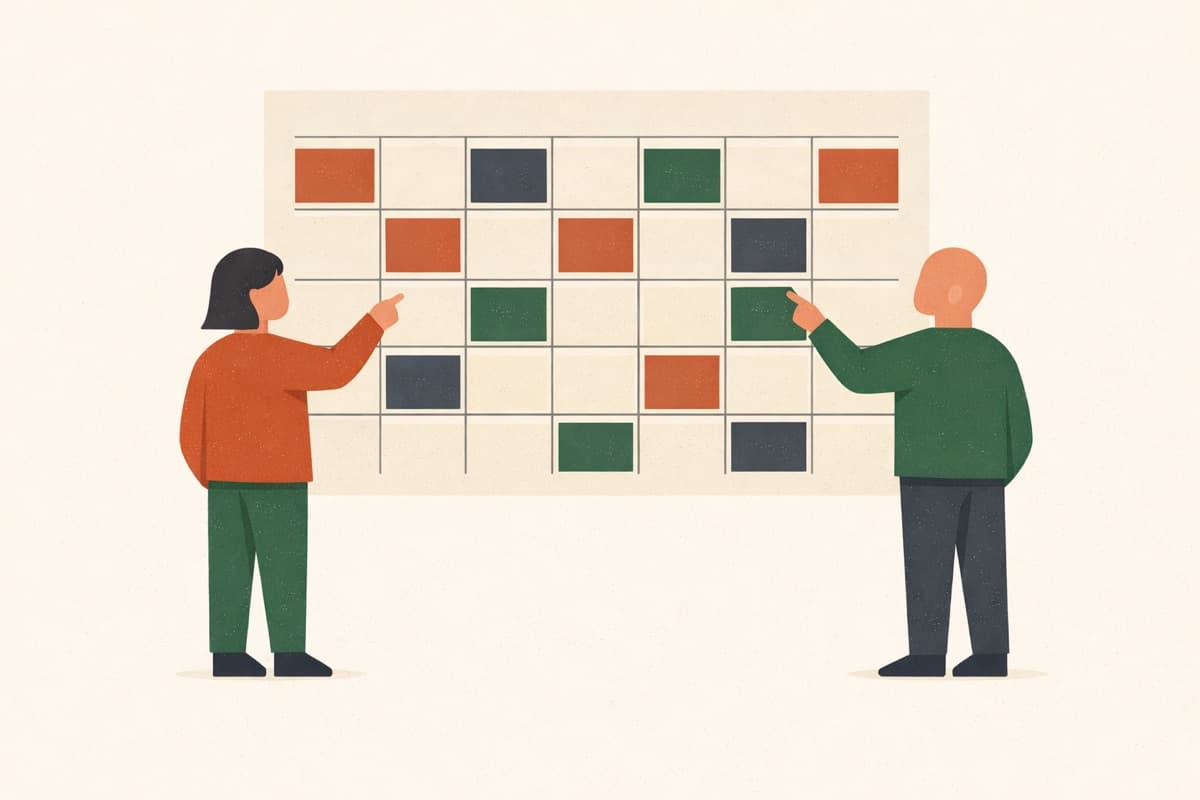
Fill every shift for your Giving Tuesday drive. Each shift takes a set number of volunteers and closes once it's covered, everyone sees the roster as it fills, and people who can't take a shift can sign up to bring an item instead. Replace the sample shifts and items with yours.
No sign-up to try · Unlimited responses on the free plan
Printable sheet (PDF)Live preview
Giving Tuesday Volunteer Roster
Thanks for giving your time this Giving Tuesday! Pick a shift; each one closes once it's covered. Can't make a shift? Sign up to bring something instead.
Powered by QuestionPunk
Default theme. Colors and fonts are yours to change.
Sample questions
What people answer. Every question is editable.
5 questions · ~2 min
Q01
Short TextRequired
What's your name?
Q02
EmailRequired
What's your email, in case plans change?
Q03
Multiple ChoiceRequired
Which shifts will you take?
- Setup, 8:00 to 10:00 am
- Sorting, 10:00 am to 12:00 pm
- Packing, 12:00 to 2:00 pm
- Delivery, 2:00 to 4:00 pm
- Cleanup, 4:00 to 5:00 pm
Q04
Multiple Choice
Can you bring any of these?
- Canned food
- Pasta and rice
- Winter coats
- Hats and gloves
- Diapers
- Toiletries
Q05
Long Text
Anything we should know?
What’s included
Spots close when they’re taken
Set how many people can pick each option. Guests see how many spots are left, and a full one can’t be picked.
Guests see who signed up
Before they pick, guests see a “Signed up so far” table with names and what’s still missing, so they can pick what the group needs.
No account for guests
Send one link by text, email or group chat. People answer in their phone’s browser, with no app to download and no account to create.
Every answer in one table
Every response lands in one table you can export to Excel or CSV.
Free, unlimited responses
The Free plan takes as many responses as you get, with no credit card.
Frequently asked questions
What questions are in the “Giving Tuesday Volunteer Roster” template?
The template includes 5 ready-to-use questions, starting with: “What's your name?” · “What's your email, in case plans change?” · “Which shifts will you take?”. The full set is previewed above, and every question is editable.
Do guests need an account?
No. Guests open the link in any phone or computer browser and answer, with no app and no account.
Can I change the options and how many spots each one has?
Yes. Rename, add or remove options, and set how many people each one takes under “Limit spots per option”. A full option shows as Full and can’t be picked.
Is it free?
Yes. The Free plan takes unlimited responses and needs no credit card.
Ready to send it?
Open the template, change what you need, and share one link with everyone.
Related templates
More sign-ups and forms for groups.