Q01
Message
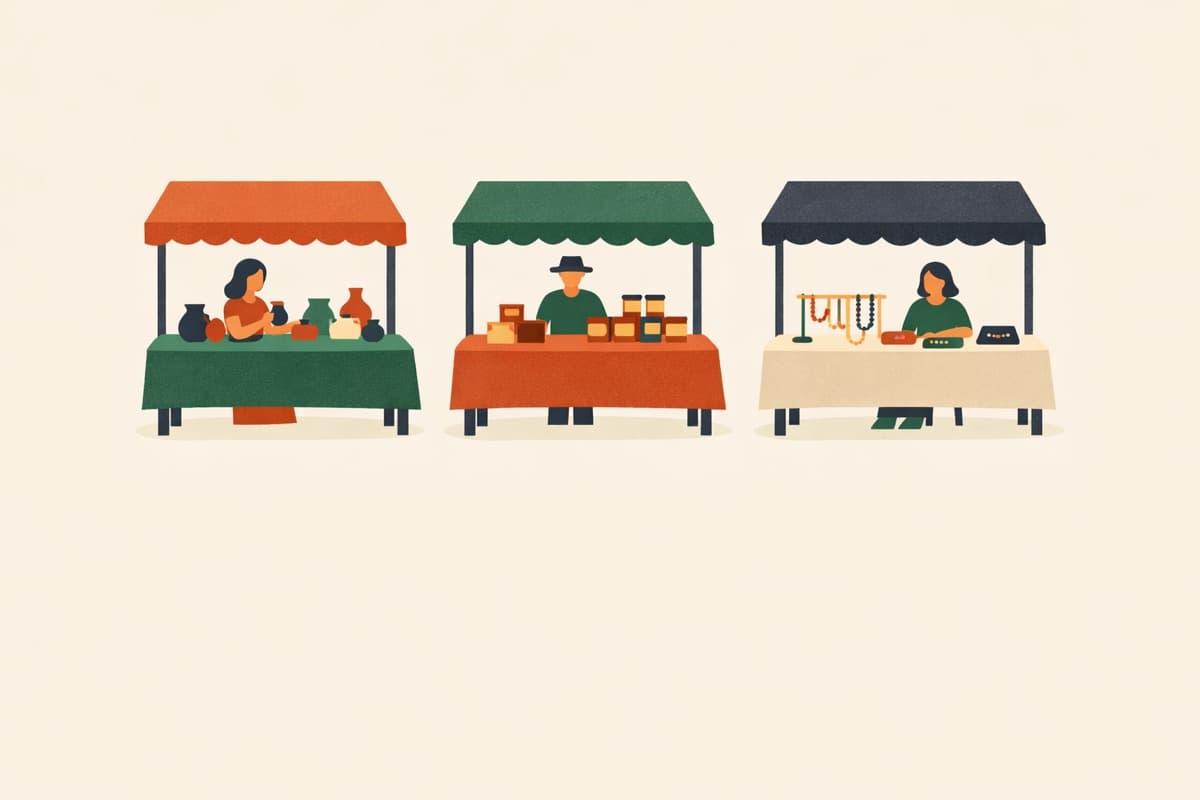
Sign up vendors for a craft fair, farmers market or school fair: business and contact name, what they sell, booth size (each size has a set number of spots) and electricity needs.
No sign-up to try · Unlimited responses on the free plan
Printable sheet (PDF)Thanks for your interest in being a vendor! Tell us about your business and pick a booth.
Powered by QuestionPunk
Default theme. Colors and fonts are yours to change.
What people answer. Every question is editable.
Set how many people can pick each option. Guests see how many spots are left, and a full one can’t be picked.
Send one link by text, email or group chat. People answer in their phone’s browser, with no app to download and no account to create.
Every response lands in one table you can export to Excel or CSV.
The Free plan takes as many responses as you get, with no credit card.
The template includes 7 ready-to-use questions, starting with: “Thanks for your interest in being a vendor! Tell us about your business and pick a booth.” · “What's your business name?” · “What's your name?”. The full set is previewed above, and every question is editable.
No. Guests open the link in any phone or computer browser and answer, with no app and no account.
Yes. Rename, add or remove options, and set how many people each one takes under “Limit spots per option”. A full option shows as Full and can’t be picked.
Yes. The Free plan takes unlimited responses and needs no credit card.
Open the template, change what you need, and share one link with everyone.
More sign-ups and forms for groups.