메시지
모든 템플릿Product & UX
다크 모드 가독성 및 시각적 편안함 평가
여러 기기와 사용 상황에서 다크 모드 인터페이스의 인지된 가독성, 눈의 피로, 편안함 선호도를 측정합니다. 다크 테마 구현과 접근성을 평가하는 UX 연구자를 위해 설계되었습니다.
가입 없이 체험 · 무료 요금제도 응답 무제한
실시간 미리보기
다크 모드 가독성 및 시각적 편안함 평가
다크 모드 가독성과 편안함에 관한 이 연구에 오신 것을 환영합니다. 저희는 디지털 기기에서 다크 모드를 사용하시는 귀하의 솔직한 경험에 관심이 있습니다. 정답이나 오답은 없으며, 오직 귀하의 개인적인 의견을 알고자 합니다. 이 설문은 완료하는 데 약 12분 정도 소요됩니다. 참여는 전적으로 자발적이며 언제든지 중단하실 수 있습니다. 모든 응답은 기밀로 유지되고 익명 처리되며, UX 연구 목적으로 오직 집계 형태로만 보고됩니다. 계속하시면 이 연구에 참여하는 데 동의하시는 것입니다.
Powered by QuestionPunk
기본 테마. 색상과 글꼴은 자유롭게 바꿀 수 있습니다.
샘플 질문
템플릿에 포함된 내용을 미리 확인해 보세요. 모든 질문은 설문 공개 전에 자유롭게 수정할 수 있습니다.
질문 24개 · 약 11분
Q01
객관식
어떤 기기에서든 다크 모드를 얼마나 자주 사용하십니까?
- 항상
- 자주
- 가끔
- 드물게
- 전혀
Q02
객관식
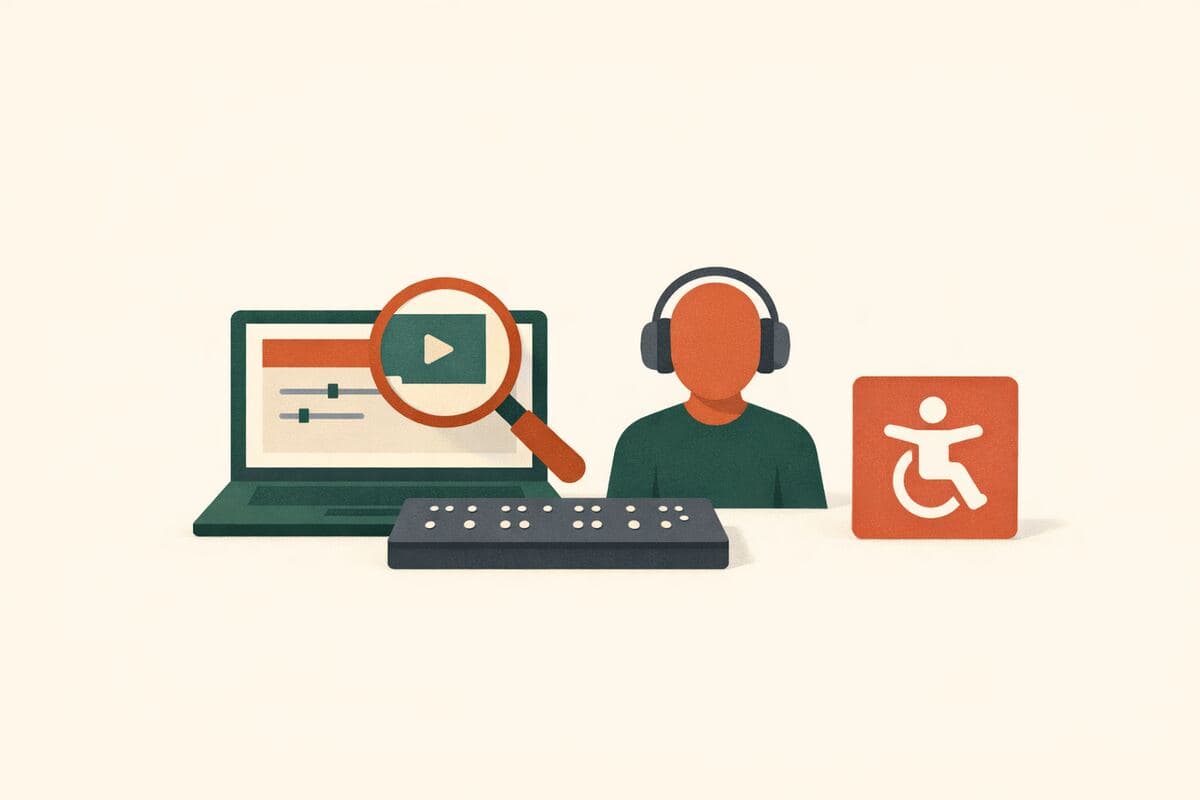
다음 시력 보조 기구나 접근성 도구 중 사용하시는 것이 있습니까? 해당하는 것을 모두 선택하십시오.
- 도수 안경
- 콘택트렌즈
- 블루라이트 차단 안경
- 화면 확대 또는 스크린 리더
- 위에 해당 없음
- 답변하지 않음
Q03
객관식
어떤 기기에서 다크 모드를 정기적으로 사용하십니까? 해당하는 것을 모두 선택하십시오.
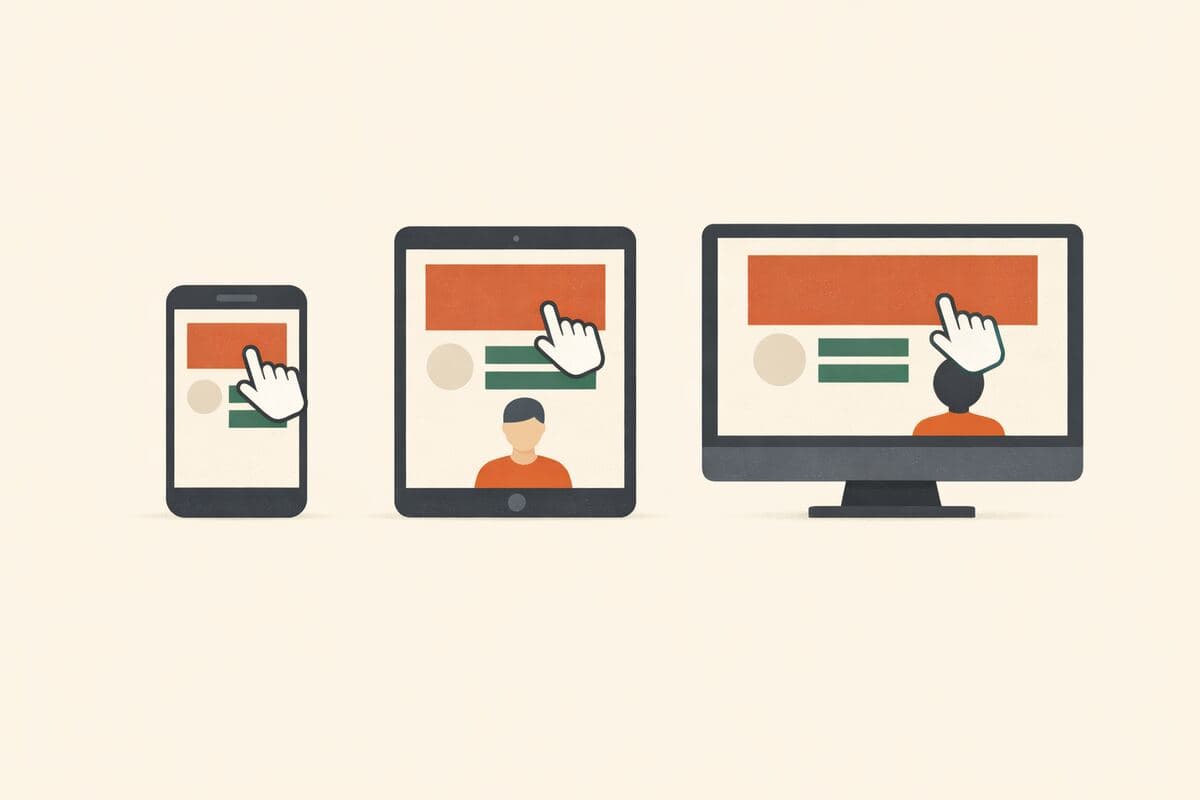
- 스마트폰
- 태블릿
- 노트북
- 데스크톱
- TV 또는 게임 콘솔
- 스마트워치
Q04
객관식
지난 7일 동안 다크 모드를 가장 자주 사용한 때는 언제였습니까? (현지 시간)
- 이른 아침 (오전 5시~8시)
- 낮 시간 (오전 8시~오후 6시)
- 저녁 (오후 6시~10시)
- 심야 (오후 10시~오전 1시)
- 밤새 (오전 1시~5시)
- 지난 7일 동안 사용 안 함
Q05
의견 척도
전반적으로, 지난 7일 동안 다크 모드에서 텍스트를 읽는 것이 얼마나 쉬웠거나 어려웠습니까?
척도: 1 – 7
최소:매우 어려움최대:매우 쉬움
Q06
의견 척도
지난 7일 동안 다크 모드에서 텍스트와 배경 간의 대비를 어떻게 평가하시겠습니까?
척도: 1 – 7
최소:지나치게 낮음최대:지나치게 높음
Q07
의견 척도
지난 7일 동안 다크 모드에서 제목과 표제를 읽는 것이 얼마나 쉬웠거나 어려웠습니까?
척도: 1 – 7
최소:매우 어려움최대:매우 쉬움
Q08
의견 척도
지난 7일 동안 다크 모드에서 본문 텍스트(예: 기사, 메시지)를 읽는 것이 얼마나 쉬웠거나 어려웠습니까?
척도: 1 – 7
최소:매우 어려움최대:매우 쉬움
Q09
의견 척도
지난 7일 동안 다크 모드에서 작은 UI 라벨(예: 버튼, 메뉴, 캡션)을 읽는 것이 얼마나 쉬웠거나 어려웠습니까?
척도: 1 – 7
최소:매우 어려움최대:매우 쉬움
Q10
객관식
지난 7일 동안 다크 모드를 사용하면서 다음 중 경험한 것이 있습니까? 해당하는 것을 모두 선택하십시오.
- 눈의 피로
- 두통
- 안구 건조
- 텍스트 가장자리의 흐릿함
- 눈을 찡그려야 함
- 위에 해당 없음
Q11
객관식
아래 목록에서 다크 모드가 가장 편안하게 느껴지는 상황 세 가지를 선택하십시오.
- 메시지 또는 채팅
- 뉴스 기사
- 전자책 또는 PDF
- 양식 또는 데이터 입력
- 코딩 또는 IDE
- 동영상 탐색
- 스프레드시트
Q12
객관식
지난 7일 동안 어디에서 다크 모드를 사용하셨습니까? 해당하는 것을 모두 선택하십시오.
- 밝은 사무실 또는 방
- 어두운 방
- 완전한 암흑
- 낮 시간 실외
- 밤 시간 실외
- 침대에서
Q13
의견 척도
지난 7일 동안 눈부심이나 반사 때문에 다크 모드에서 읽기가 더 어려웠던 적이 얼마나 자주 있었습니까?
척도: 1 – 5
최소:전혀 없음최대:매우 자주
Q14
객관식
긴 글을 읽을 때 어떤 테마를 선호하십니까?
- 다크 모드
- 라이트 모드
- 시스템 기본값 또는 자동 적응
- 선호 없음
Q15
객관식
다크 테마의 경우, 어떤 배경 음영이 가장 편안하게 느껴지십니까?
- 순수한 검정
- 매우 어두운 회색 (거의 검정)
- 어두운 회색
- 유채색 어두움 (예: 짙은 파랑 또는 짙은 초록)
- 앱이나 콘텐츠에 따라 다름
Q16
드롭다운
다크 모드를 사용할 때 텍스트 크기를 조정하십니까?
- 많이 키움
- 약간 키움
- 변경 없음
- 약간 줄임
- 많이 줄임
Q17
객관식
어떤 제어 기능이나 설정이 다크 모드를 더 편안하게 만들어 줍니까? 해당하는 것을 모두 선택하십시오.
- 순수 검정 옵션
- 고대비 전환
- 주변 조명에 맞춤
- 앱별 테마 제어
- 사용자 지정 텍스트 굵기
- 색상 필터 또는 블루라이트 감소
- 어두운 배경화면
- 위에 해당 없음
Q18
장문형
다크 모드 가독성을 개선하기 위해 한 가지를 바꿀 수 있다면 무엇이겠습니까?
Q19
AI 인터뷰
귀하의 설문 응답을 바탕으로, 다크 모드 경험을 조금 더 살펴보고자 합니다. AI 진행자가 몇 가지 후속 질문을 드립니다.
Q20
드롭다운
귀하의 나이는 어떻게 되십니까?
- 18세 미만
- 18~24세
- 25~34세
- 35~44세
- 45~54세
- 55~64세
- 65세 이상
- 답변하지 않음
Q21
객관식
귀하는 어떤 성별로 자신을 인식하십니까?
- 남성
- 여성
- 논바이너리
- 답변하지 않음
Q22
드롭다운
현재 어느 지역에 거주하십니까?
- 아프리카
- 아시아
- 유럽
- 북미
- 남미
- 오세아니아
- 중동
- 답변하지 않음
Q23
드롭다운
귀하의 최종 학력은 무엇입니까?
- 고등학교 중퇴 이하
- 고등학교 졸업 또는 동등
- 전문대 재학 또는 전문학사
- 학사 학위
- 대학원 (석사 또는 박사)
- 답변하지 않음
Q24
객관식
현재 귀하의 고용 상태는 무엇입니까?
- 정규직
- 시간제 근무
- 자영업
- 학생
- 구직 중인 실업 상태
- 구직 의사 없음
- 은퇴
- 전업주부
- 답변하지 않음
메시지
참여해 주셔서 감사합니다! 귀하의 응답은 귀하와 같은 사용자를 위해 다크 모드 가독성과 편안함을 개선하는 데 도움이 됩니다.
포함된 기능
AI 후속 질문
정형화된 설문이 놓치는 세부 내용을, 주관식 답변에 맞춰 AI가 심층 질문으로 끌어냅니다.
주의력 확인 장치
성의 없는 답변과 저품질 응답자를 걸러내는 내장 안전장치입니다.
AI가 작성한 문안
문구, 질문 순서, 분기 로직까지 AI가 연구 목표에 맞춰 작성합니다.
자동 리포트
응답이 모이면 주요 주제, 인용문, 이해하기 쉬운 요약이 자동으로 작성됩니다.
이 템플릿을 선택하는 이유
이 템플릿의 설계 목적을 소개합니다. 다른 설문 도구에서는 직접 비교할 만한 템플릿을 찾지 못했습니다.
차별화 포인트
- Includes multiple opinion-scale questions targeting distinct reading contexts (overall readability, contrast, headings, body text, small UI labels) rather than a single generic satisfaction rating
- Captures device- and context-specific usage patterns (which devices, which times of day, which locations dark mode is used) alongside accessibility/vision-aid screening questions
- Pairs quantitative scales with an open-text question on legibility improvements and an adaptive AI follow-up interview that probes further based on each participant's actual answers
- Auto-generates a report from these mixed question types, saving researchers from manually cross-tabulating scale, multiple-choice, and open-text responses
자주 묻는 질문
“다크 모드 가독성 및 시각적 편안함 평가” 템플릿에는 어떤 질문이 포함되어 있나요?
바로 사용할 수 있는 질문 24개가 포함되어 있으며, 처음 질문은 다음과 같습니다: “어떤 기기에서든 다크 모드를 얼마나 자주 사용하십니까?” · “다음 시력 보조 기구나 접근성 도구 중 사용하시는 것이 있습니까? 해당하는 것을 모두 선택하십시오.” · “어떤 기기에서 다크 모드를 정기적으로 사용하십니까? 해당하는 것을 모두 선택하십시오.”. 전체 질문은 위에서 미리 볼 수 있고 모두 수정 가능합니다.
이 설문을 완료하는 데 얼마나 걸리나요?
응답자는 보통 질문 24개를 약 11분 안에 완료합니다.
템플릿을 수정할 수 있나요?
네. 설문을 공개하기 전에 모든 질문, 답변 옵션, 순서를 자유롭게 수정할 수 있습니다. 질문을 추가·삭제하거나 AI 편집기에 연구 목표에 맞춘 재구성을 요청할 수도 있습니다.
이 템플릿은 무료인가요?
네. 편집기에서 바로 열어 수정을 시작할 수 있습니다. 체험에는 계정이 필요 없으며, 무료 플랜으로 설문을 공개할 수 있습니다.
설문을 공개할 준비가 되셨나요?
이 템플릿을 편집기에서 열어 보세요. 첫 응답자가 보기 전에 모든 부분을 원하는 대로 바꿀 수 있습니다.
관련 템플릿
비슷한 주제의 다른 설문을 만나 보세요.