메시지
모든 템플릿Product & UX
화면 공유 및 음성을 활용한 비진행형 사용성 테스트
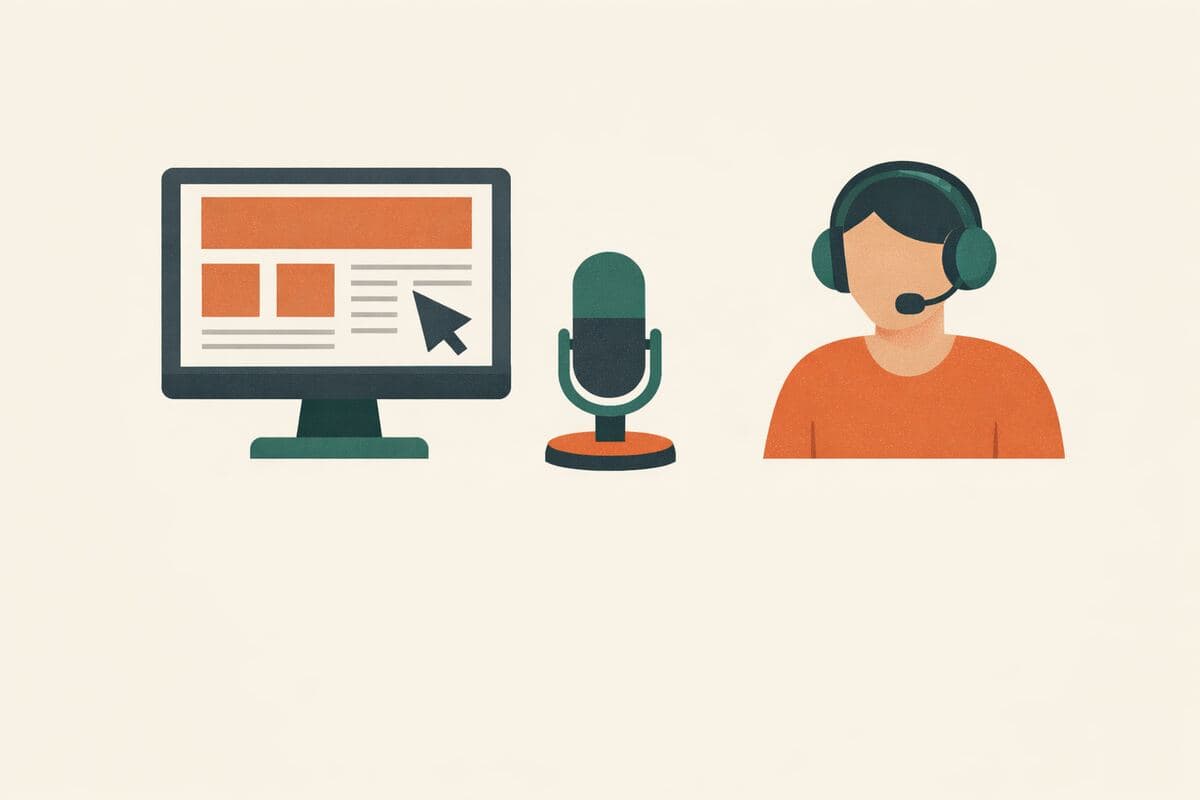
셀프서비스 방식의 사용성 세션입니다. 참가자가 화면을 공유하고, 생각을 소리 내어 말하면서 귀사의 웹사이트나 프로토타입에서 안내된 과제를 수행하며, AI 진행자가 이를 관찰하고, 유도하고, 심층 질문한 뒤 참가자에게 마무리 브리핑을 합니다. 단 한 번의 세션도 일정을 잡을 필요 없이 녹화본, 전사본, 과제 단위 분석을 확보할 수 있습니다.
가입 없이 체험 · 무료 요금제도 응답 무제한
실시간 미리보기
화면 공유 및 음성을 활용한 비진행형 사용성 테스트
환영합니다! 이 연구에서는 화면을 공유하고, 생각을 소리 내어 말하면서 저희 사이트에서 몇 가지 과제를 시도하시게 됩니다. 귀하의 응답은 완전히 기밀로 처리되며 익명화됩니다. AI 진행자가 함께 지켜보며, 무엇을 기대하시는지 또는 무엇을 알아차리셨는지 여쭤볼 수 있습니다. 테스트 대상은 귀하가 아니라 디자인입니다. 막히는 상황도 유용한 데이터입니다. 약 15분 정도 소요됩니다.
Powered by QuestionPunk
기본 테마. 색상과 글꼴은 자유롭게 바꿀 수 있습니다.
샘플 질문
템플릿에 포함된 내용을 미리 확인해 보세요. 모든 질문은 설문 공개 전에 자유롭게 수정할 수 있습니다.
질문 5개 · 약 10분
Q01
동의필수
시작하기 전에, 내용을 검토하고 확인해 주십시오.
Q02
객관식필수
저희 제품에 얼마나 익숙하십니까?
- 정기적으로 사용합니다
- 한두 번 사용해 본 적이 있습니다
- 이번에 처음 봅니다
Q03
음성 AI 인터뷰
진행형 과제 세션
Moderate a think-aloud usability session. For each task: read the task aloud, then stay quiet while the participant works — prompt only if they go silent for a while ('What are you thinking right now?', 'What did you exp…
Q04
의견 척도필수
전반적으로, 과제를 완료하는 것이 얼마나 쉬웠거나 어려웠습니까?
척도: 1 – 7
최소:매우 어려움최대:매우 쉬움
Q05
의견 척도필수
방금 경험하신 것을 바탕으로, 이 제품을 실제로 사용하실 가능성은 얼마나 됩니까?
척도: 0 – 10
최소:전혀 없음최대:매우 높음
메시지
감사합니다. 정말 큰 도움이 되었습니다. 귀하의 녹화본과 판단 근거는 어려움을 겪으신 부분을 개선할 수 있는 팀에게 곧바로 전달됩니다.
포함된 기능
AI 후속 질문
정형화된 설문이 놓치는 세부 내용을, 주관식 답변에 맞춰 AI가 심층 질문으로 끌어냅니다.
주의력 확인 장치
성의 없는 답변과 저품질 응답자를 걸러내는 내장 안전장치입니다.
AI가 작성한 문안
문구, 질문 순서, 분기 로직까지 AI가 연구 목표에 맞춰 작성합니다.
자동 리포트
응답이 모이면 주요 주제, 인용문, 이해하기 쉬운 요약이 자동으로 작성됩니다.
다른 서비스와 비교
다른 설문 도구의 가장 유사한 템플릿을 검토했습니다. 그 도구들이 잘하는 점과, 이 템플릿이 한발 더 나아가는 지점을 정리했습니다.
이 템플릿을 선택하는 이유
- Guided tasks with screen share and recording, moderated by an AI that prompts think-aloud, never leads, and debriefs at the end — no scheduling, no moderator hours
- Recording consent is built into the flow, and every session produces a transcript plus task-level analysis
- Standard measures included (SEQ-style ease rating, adoption likelihood) so results benchmark across rounds
- The moderator asks the question human moderators forget under time pressure: 'what did you expect that to do?'
Maze
Usability Testing Template (Testing a New Product)A structured unmoderated usability template that mixes screening, scenario-based tasks, expectation-validation, and open-ended wrap-up, backed by automatic behavioral metrics (bounce rates, misclicks, heatmaps) and reporting within hours. Very strong on quantitative interaction capture, but follow-up questions are pre-scripted rather than adaptive to what a participant just did.
잘하는 점
- Scenario/task framing ('imagine you were trying to accomplish X') that produces realistic task-based testing
- Combines expectation-validation questions with open-ended wrap-up for qualitative signal
- Automatic behavioral metrics: bounce rates, misclicks, heatmaps, and a usability score for prototype navigation
- Automated reporting delivered within hours, lowering analyst effort
아쉬운 점
- Follow-up questions are fixed in the flow; there is no AI probing when a participant struggles or gives a surprising answer
- Unmoderated by design means no live voice interviewer to ask 'why did you do that?' in the moment
- Screen interaction is captured as heatmaps/misclicks, not a full guided-task screen-share recording with narration
- Insights are metric-driven; less emphasis on a synthesized qualitative narrative per participant
Maze
11 Usability Testing Templates for Building Great ProductsA library of 11 purpose-specific usability templates spanning planning, prototype testing, mobile, feature discoverability, sign-up flow, and standardized instruments (SUS, SEQ) plus a reporting template. Excellent breadth and inclusion of validated metrics, but each is a self-serve question/task form with no adaptive interviewer or voice component.
잘하는 점
- Broad coverage: plan, early-prototype, new-product, mobile, feature-discoverability, sign-up-flow, and feedback templates in one library
- Includes validated quantitative instruments (System Usability Scale, Single Ease Question) for benchmarkable scores
- Ships a matching usability-testing report template so findings roll straight into a stakeholder deliverable
- Metrics baked in: task completion, misclicks, time-on-task, difficulty ratings
아쉬운 점
- Templates are static task/question sets, so they cannot ask an adaptive AI follow-up when a task fails
- No voice-AI interview mode to capture think-aloud reasoning conversationally
- No guided-task screen-share + recording flow; behavioral signal is limited to click/heatmap metrics
- Report template is a manual fill-in rather than an auto-written report generated from the session data
SurveySparrow
Website Usability Survey TemplateA website usability feedback survey in chat format — good for scaled self-reported usability sentiment. It asks users what they think of the site; it cannot watch them actually use it.
잘하는 점
- Quick way to collect usability sentiment from real visitors at scale
- Conversational format keeps completion rates healthy
- Recurring runs support tracking scores across releases
아쉬운 점
- Self-report only — no screen share, no task observation, no recordings
- No think-aloud moderation or expectation probing at the moment of confusion
- No task-level success metrics, just opinions after the fact
자주 묻는 질문
“화면 공유 및 음성을 활용한 비진행형 사용성 테스트” 템플릿에는 어떤 질문이 포함되어 있나요?
바로 사용할 수 있는 질문 5개가 포함되어 있으며, 처음 질문은 다음과 같습니다: “시작하기 전에, 내용을 검토하고 확인해 주십시오.” · “저희 제품에 얼마나 익숙하십니까?” · “진행형 과제 세션”. 전체 질문은 위에서 미리 볼 수 있고 모두 수정 가능합니다.
이 설문을 완료하는 데 얼마나 걸리나요?
응답자는 보통 질문 5개를 약 10분 안에 완료합니다.
템플릿을 수정할 수 있나요?
네. 설문을 공개하기 전에 모든 질문, 답변 옵션, 순서를 자유롭게 수정할 수 있습니다. 질문을 추가·삭제하거나 AI 편집기에 연구 목표에 맞춘 재구성을 요청할 수도 있습니다.
이 템플릿은 무료인가요?
네. 편집기에서 바로 열어 수정을 시작할 수 있습니다. 체험에는 계정이 필요 없으며, 무료 플랜으로 설문을 공개할 수 있습니다.
설문을 공개할 준비가 되셨나요?
이 템플릿을 편집기에서 열어 보세요. 첫 응답자가 보기 전에 모든 부분을 원하는 대로 바꿀 수 있습니다.
관련 템플릿
비슷한 주제의 다른 설문을 만나 보세요.