
Survey mode: Chat, Sequential, or Traditional
Choose the survey layout that respondents will see: Chat, Sequential, or Traditional.
QuestionPunk supports three display modes that change how respondents move through your survey: Chat (conversational), Sequential (one question at a time), and Traditional (classic form layout).
Before you start
Open the survey in the editor and go to Build. Make sure the questions and pages are already set up so you can judge the layout clearly.
Customize the survey design
A walkthrough using the English interface and demo content. English audio with AI-generated narration; English and Japanese captions are available.
Download videoRead the video transcript
Open Design in Build. Choose a theme and review the text, colors, and layout. Survey settings also contains display and branding options. Check the welcome and completion screens separately. Preview on desktop and mobile. Make sure people can read the questions and use every control.
Steps
Open Design in Build
In the survey editor, use the top section switcher to open Build. Then open Design and find the Survey Mode dropdown.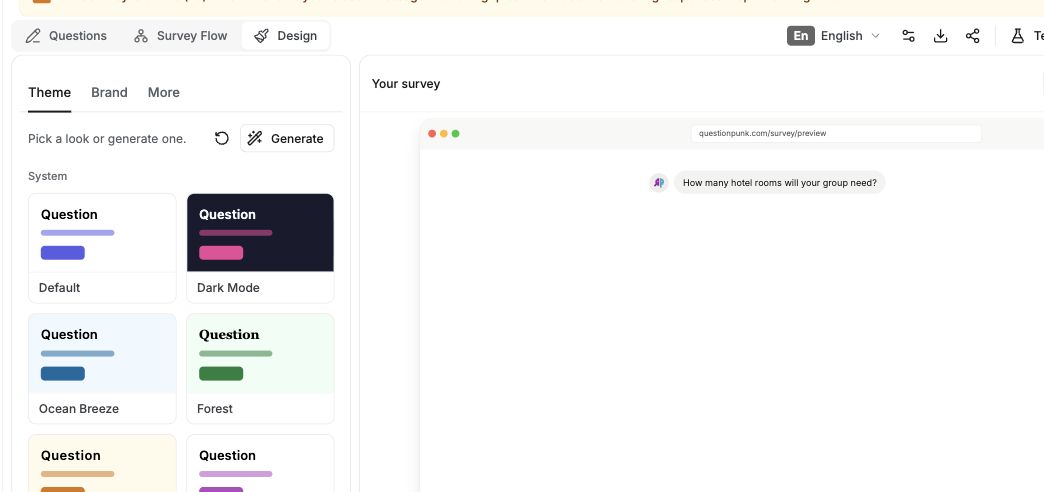
English interface · Demo study. Use the controls described in this step.
Select a display mode
Chat (default): Questions appear as chat messages in a conversational interface.
Sequential: Shows one question per screen. Keeps the experience simple and focused.
Traditional: Shows questions in a classic form layout, grouped into the pages you define. This is familiar for quantitative surveys.Preview and test the flow
Preview the survey in the selected mode and check that it fits your research goal. You can change the mode any time before you publish.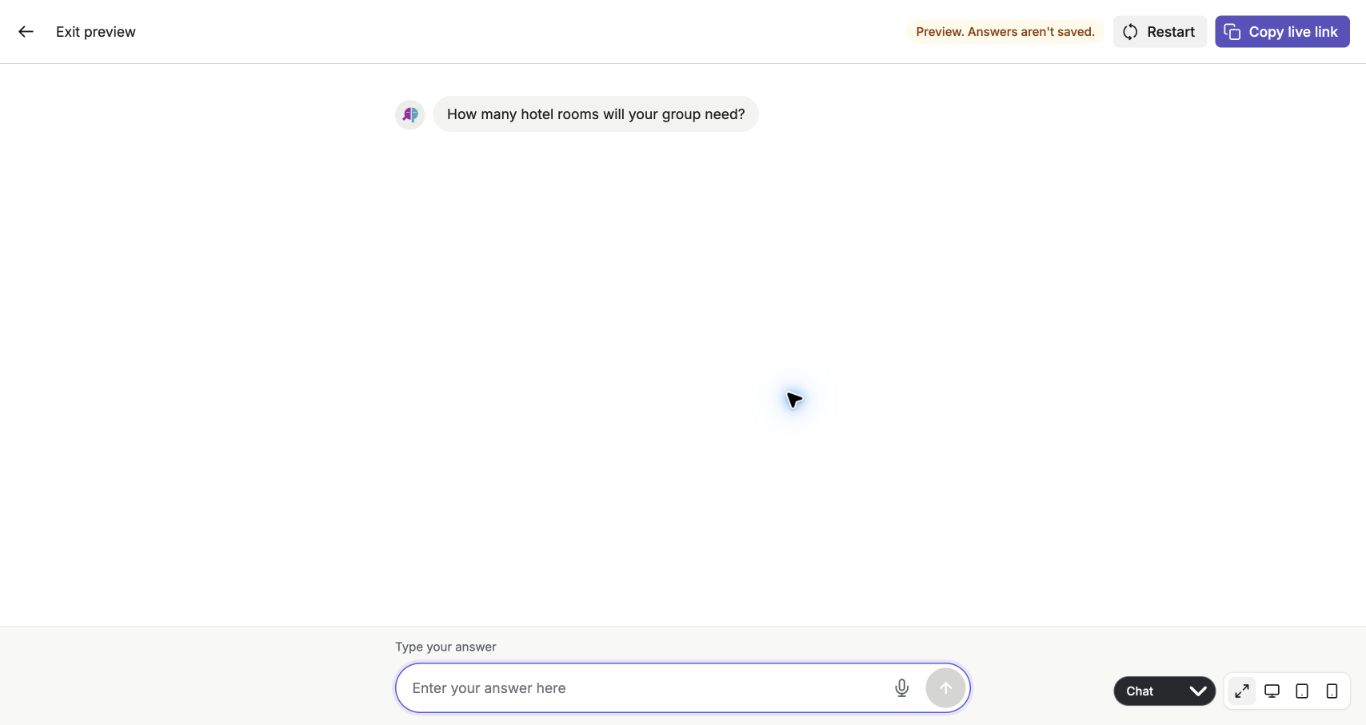
English interface · Demo study. Use the controls described in this step.
Chat mode is the default and most distinctive QuestionPunk experience. Questions appear as a conversation, and AI follow-ups feel natural.
Sequential mode shows one question at a time. It works well for longer quantitative surveys.
Traditional mode shows questions as a form, page by page, similar to conventional survey tools. In surveys that mix in AI interviews, each AI interview starts its own page.
Check the result
The survey shows the mode you selected in Preview, and the question flow matches the experience you want respondents to have.
If something goes wrong
If you cannot find Survey Mode, check that you are in Build and then open Design.