Design brief templates for research-ready visuals

Start a creative brief for packaging, labels, logos, brand identities, app icons, product images, ads, or thumbnails. Customize the brief and style settings, create your visuals, then bring the directions you want to evaluate into a concept test.

50 templates in Design

Ads & campaigns

Brand & messaging

Content & publishing

E-commerce
Packaging & retail
Design

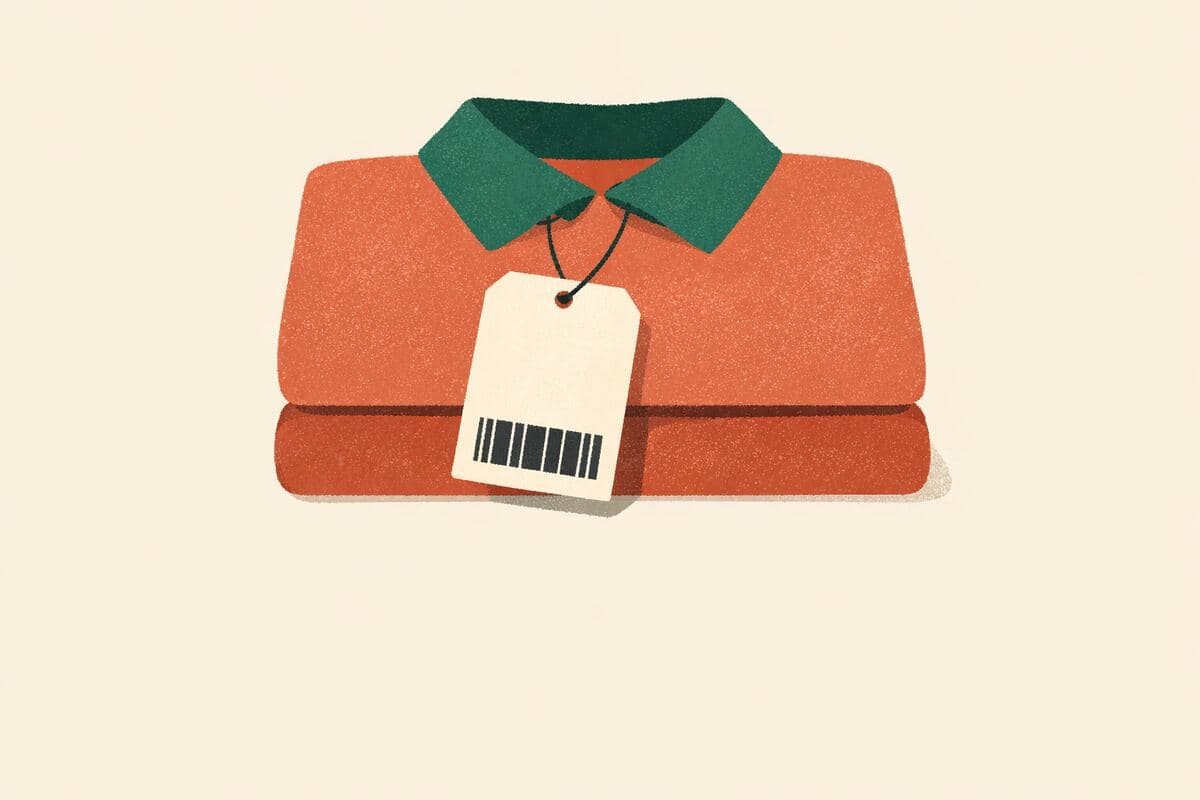
Product hangtag design

Create a compact tag that communicates the product's key information. Customize the creative brief and style settings.

View template
Design

Restaurant menu design

Create a menu direction that keeps choices and prices easy to compare. Customize the creative brief and style settings.

View template
Design

Retail display design

Explore a display direction before preparing installation specifications. Customize the creative brief and style settings.

View template
Design

Product instruction insert

Create a visual instruction concept to review against the actual product. Customize the creative brief and style settings.

View template
Design

Thank-you insert design

Create an insert that feels relevant to receiving and using the order. Customize the creative brief and style settings.

View template
Design

Cosmetic label design

Explore a label that distinguishes the product and its intended use. Customize the creative brief and style settings.

View template
Design

Food label design

Explore a food label layout using verified copy and accurate product cues. Customize the creative brief and style settings.

View template
Design

Jar label design

Create a readable front hierarchy on a curved container. Customize the creative brief and style settings.

View template
Design

Bottle packaging design

Explore a bottle presentation that communicates the product accurately. Customize the creative brief and style settings.

View template
Design

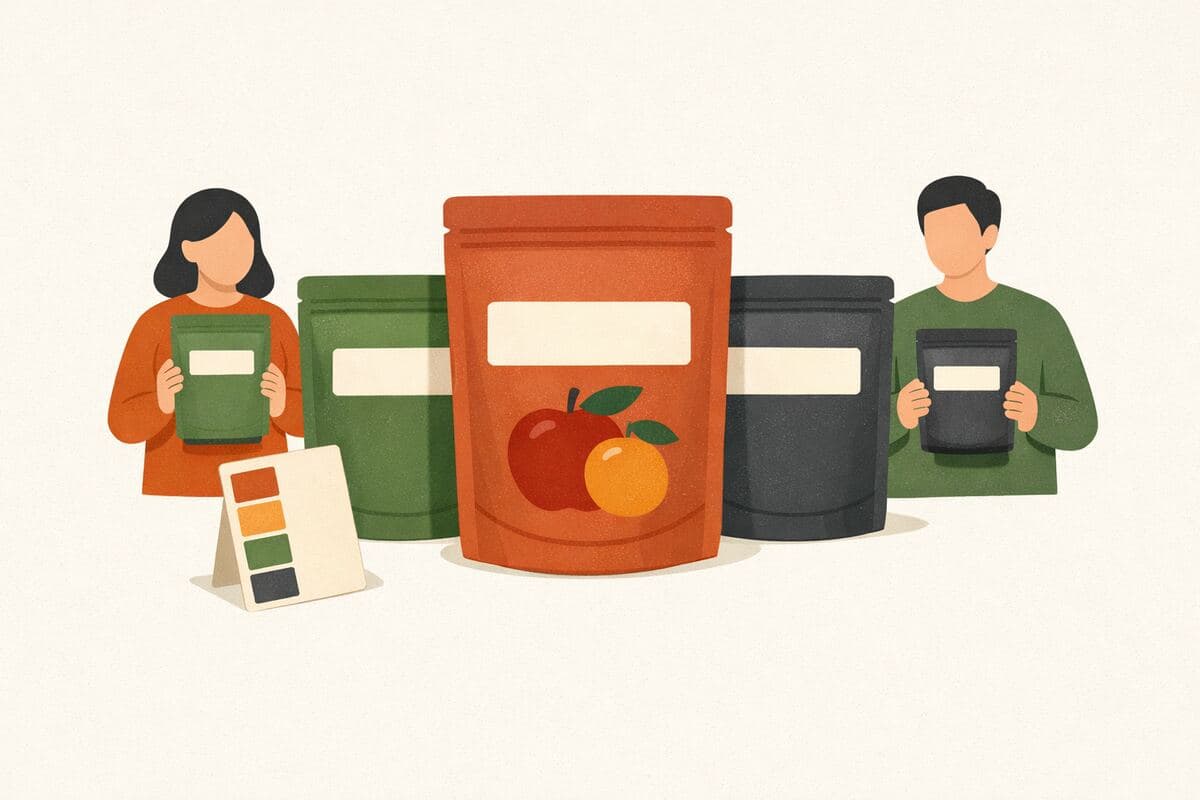
Pouch packaging design

Explore front-of-pouch hierarchy that makes the product and variant clear. Customize the creative brief and style settings.

View template
Design

Shipping box design

Make the delivery recognizable without obscuring operational information. Customize the creative brief and style settings.

View template
Design

Subscription box design

Create a repeatable package direction that connects multiple deliveries. Customize the creative brief and style settings.

View template
Design

Product label design

Start a label brief with clear product information, visual hierarchy, and space for required copy.

View template
Design

Packaging design

Start a packaging creative brief with a product hierarchy, brand direction, and room for required copy.

View template

Product & offers

Web & apps
Frequently asked questions

What are design assets?
Design assets are the visuals you use to communicate an idea: a package, logo, app icon, product image, or ad. In research, these are the materials participants can view and give feedback on.
What is included in a design template?
These starters contain a creative brief, a design goal, and style settings for the design editor. They do not include finished artwork. Add your brand, product details, dimensions, and exact copy, then generate or upload your visuals.
How is a design brief different from a concept test?
A design brief helps you create the material. A concept test helps you evaluate it with an audience using comparison questions and ratings. You can start with either, depending on whether you already have the visuals you need.
Are generated designs ready for production?
Treat generated designs as concepts to review and refine. Check text and product accuracy, then prepare the final files for the intended use, including any physical dimensions, print specifications, or platform requirements.